PhotoPromptly
Christmas and New Year Sale Post for Business AI Prompt
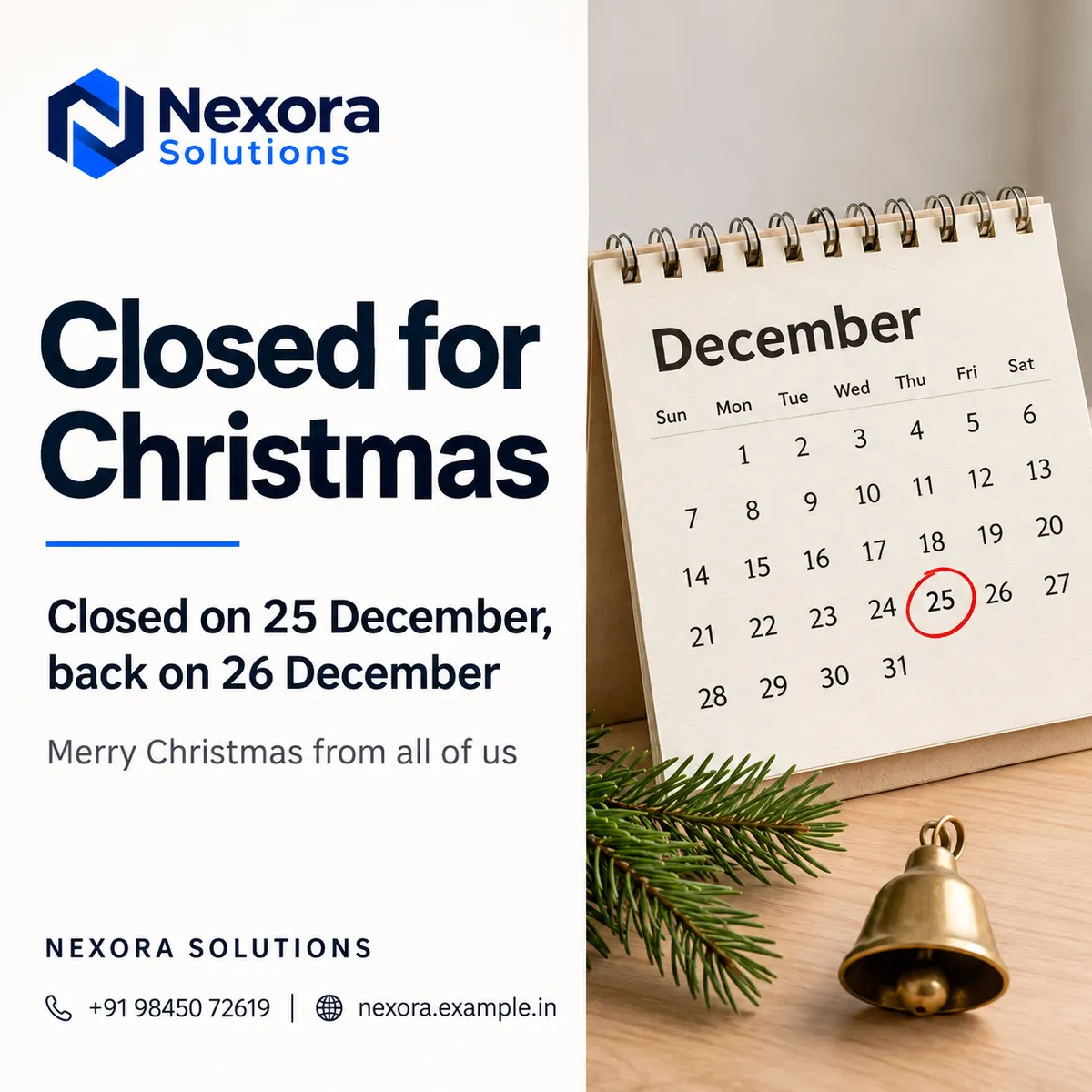
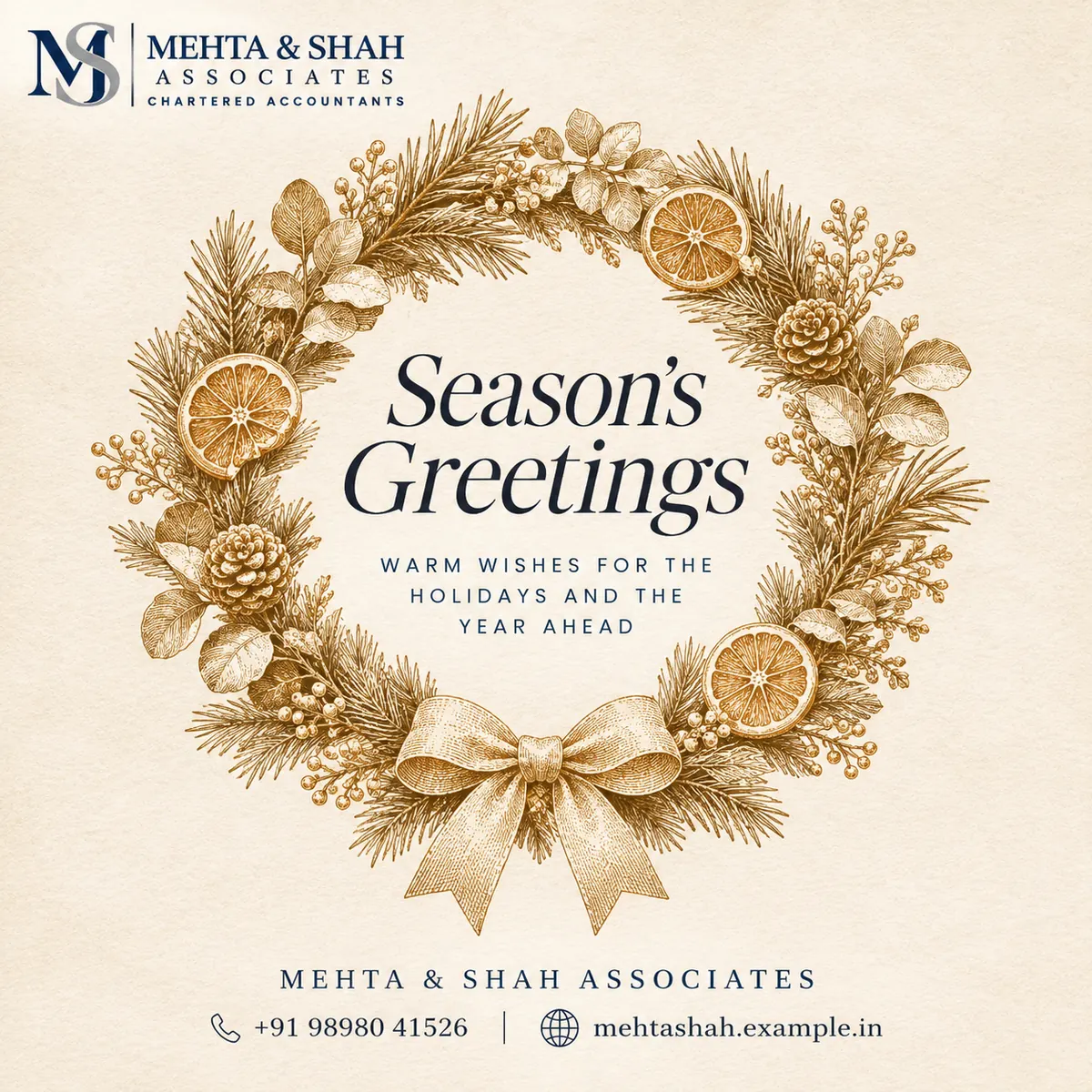
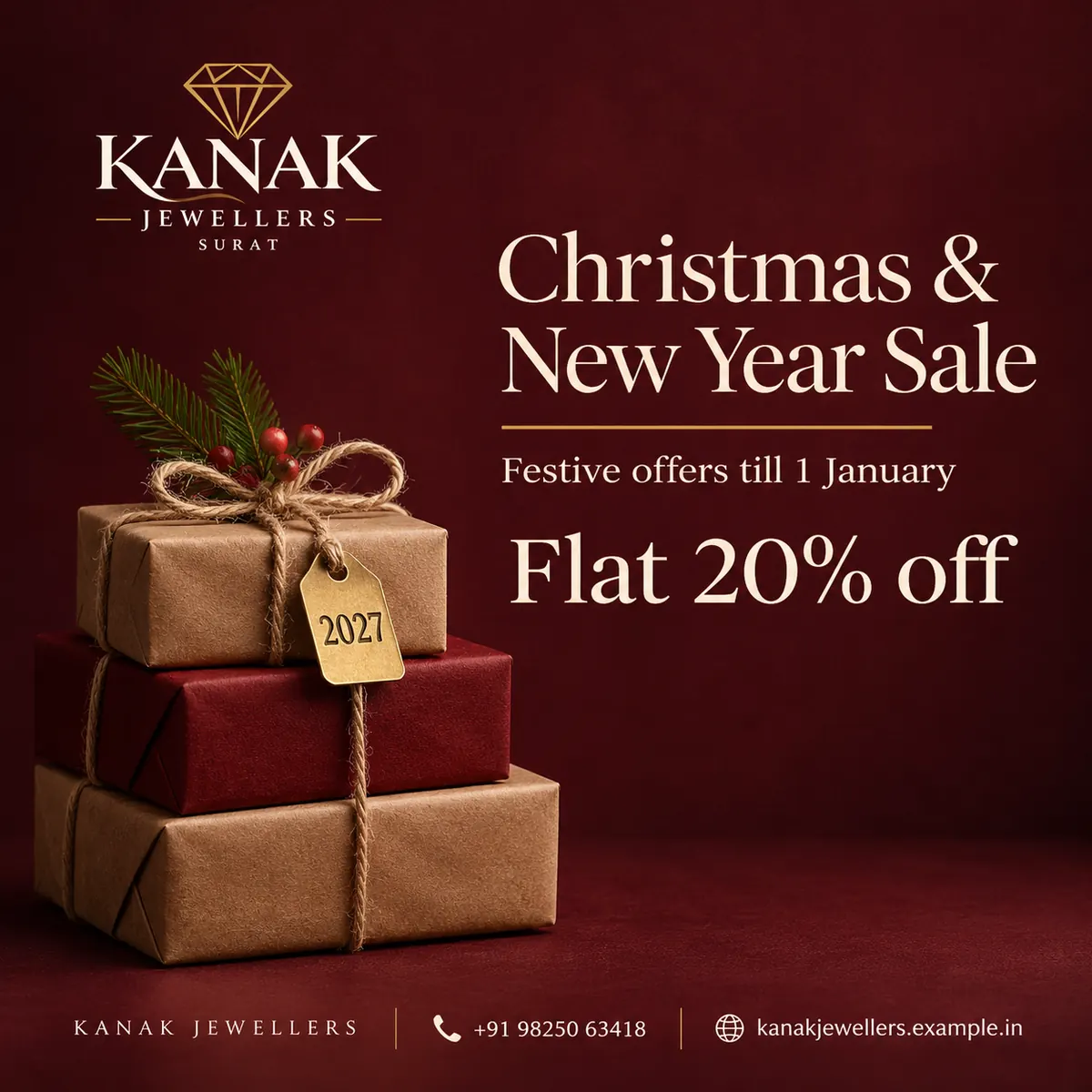
Copy-paste prompt for one Christmas and New Year sale post with your logo and offer, in a premium campaign style. The hero is a stacked gift still life with a 2027 tag, in pine green and cream, so one post covers the sale from Christmas to New Year.
Choose a design
 Sample logo used for these examples. Upload your own.
Example made by AI from this prompt, using a placeholder logo and demo details. Results vary with your photo and the tool. How we make and check examples
How to use it
- Fill in the form above, only the boxes this prompt uses, then copy the prompt.
- Open ChatGPT or Gemini, attach your logo file (PNG with a clear background works best) and paste the prompt in the same message.
- Zoom in and check the sale headline, the end date of the offer, your offer wording, phone and website, and confirm the logo is unchanged.
- Post it in the second week of December and pin it until 1 January; if anything is off, regenerate or fix the text in Canva first.
AI tools may use uploads to improve their services; check the tool's privacy settings. Use only photos you own or have consent for, and do not upload photos of children.
About this prompt
Colours used if you give none
All 3 versions use pine green, warm cream and one brick-red accent. Type your brand colours in the form to replace them.
Size and shape
The prompt asks for 1:1, which is square, for Instagram and Facebook feed posts, WhatsApp display pictures and profile photos.
How the example image was made
We ran the Studio Campaign version of this prompt in an AI image tool. The “before” image is a placeholder logo, standing in for the logo you upload. The demo details were the business name “Kanak Jewellers” and a 1080x1080 square size; your version uses your own name, logo and details. Both images are AI-generated and show the kind of result to expect, not a guarantee.
When to use it: Christmas
Cosy trees, knit sweaters and holiday cards. Prompts for portraits and family card images.
Date: 2026-12-25 · next one in 28 days · Marked in: Global
The greeting in 15 languages
Pick a language in the form above and the matching greeting is written into the prompt, spelled exactly, because AI tools draw non-English scripts more reliably when given the words.
| Language | Greeting |
|---|---|
| English | Merry Christmas |
| Hinglish | Merry Christmas |
| Hindi | मेरी क्रिसमस |
| Gujarati | મેરી ક્રિસમસ |
| Marathi | नाताळच्या हार्दिक शुभेच्छा |
| Bengali | শুভ বড়দিন |
| Punjabi | ਮੈਰੀ ਕ੍ਰਿਸਮਸ |
| Tamil | இனிய கிறிஸ்துமஸ் நல்வாழ்த்துகள் |
| Telugu | క్రిస్మస్ శుభాకాంక్షలు |
| Kannada | ಕ್ರಿಸ್ಮಸ್ ಹಬ್ಬದ ಶುಭಾಶಯಗಳು |
| Malayalam | ക്രിസ്മസ് ആശംസകൾ |
| Urdu | کرسمس مبارک |
| Arabic | عيد ميلاد مجيد |
| Spanish | ¡Feliz Navidad! |
| French | Joyeux Noël |
Problems and questions
The post looks like Christmas only and the New Year part is lost.
Ask for "the brass 2027 tag clearly visible on the top gift" and keep both words of the headline on separate lines. A sale that runs to 1 January needs both seasons on the post.
The year or some words are misspelled.
Keep the text short, put the exact words in quotes and add "spell every word and number exactly as written". If it still fails, ask for the design without that line and add it in Canva.
The AI changed or redrew my logo.
Repeat "use the uploaded logo exactly as provided, do not redraw it" and upload a larger, sharper PNG. Still wrong? Ask for an empty logo space and paste your real logo into it with Canva.
It looks like a cheap poster, with sparkles and too many things.
Add "fewer elements, more empty space, no sparkles or confetti" or switch to the Quiet Luxury look. Leave out contact details you do not need: fewer lines look more premium.
Icons appear next to empty contact lines.
Only fill the contact boxes you want on the post. The prompt removes empty ones and tells the AI to draw an icon only beside a real detail.
Make it yours
Swap one line of the prompt to change the look:
Wrong or a rights issue? Report or request removal.
Related prompts