 PhotoPromptly
Visiting Card Prompts AI Prompts
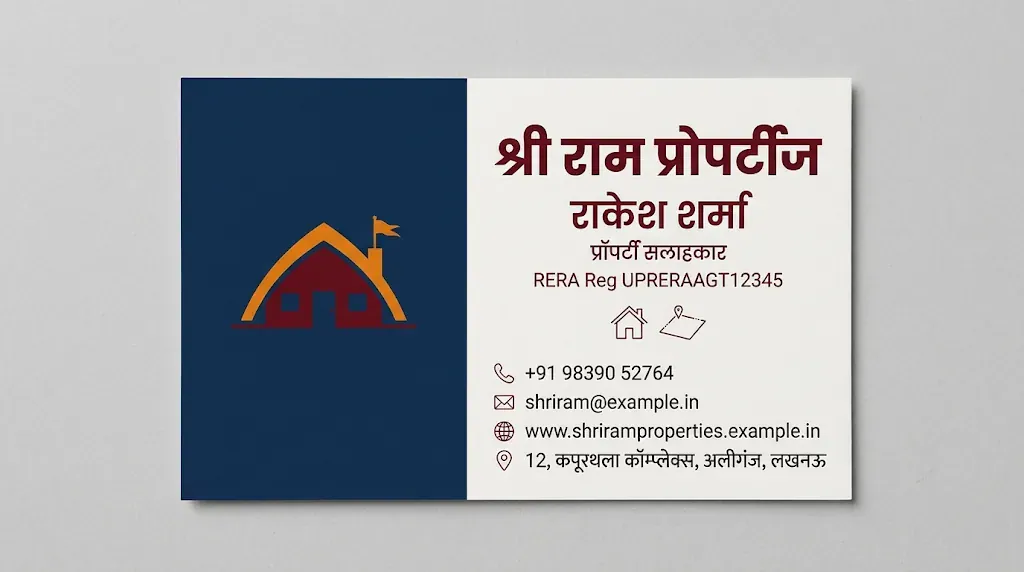
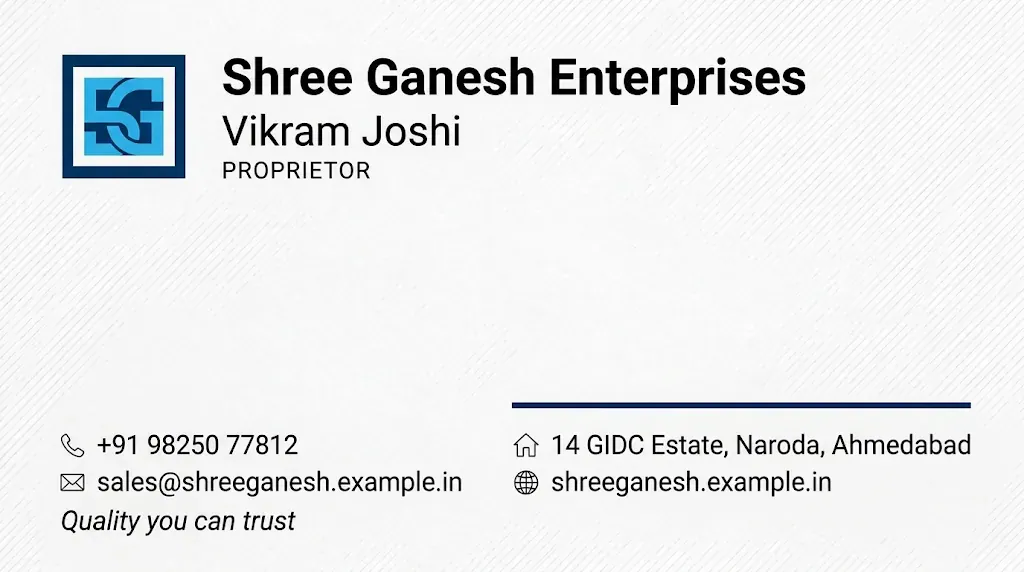
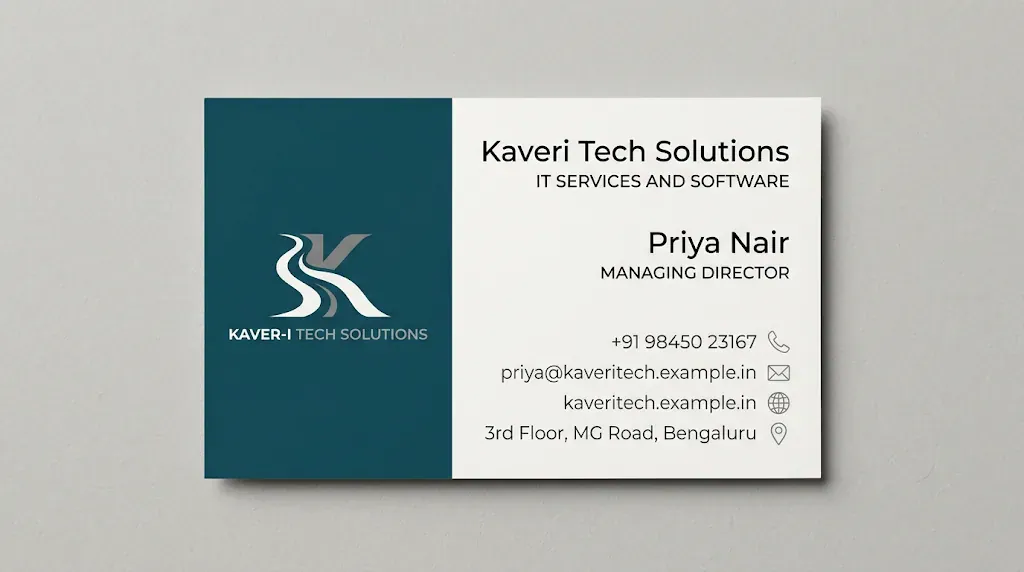
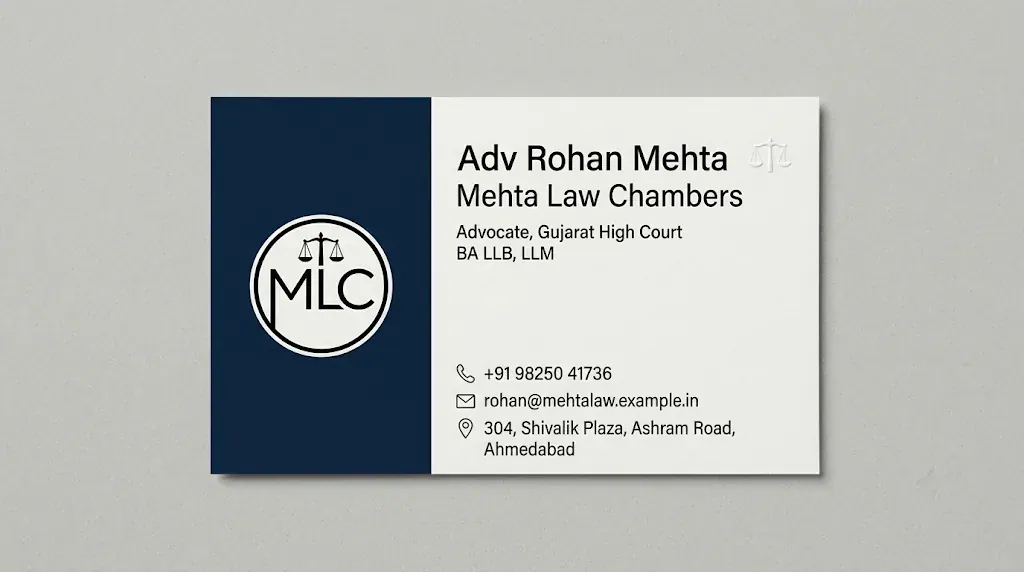
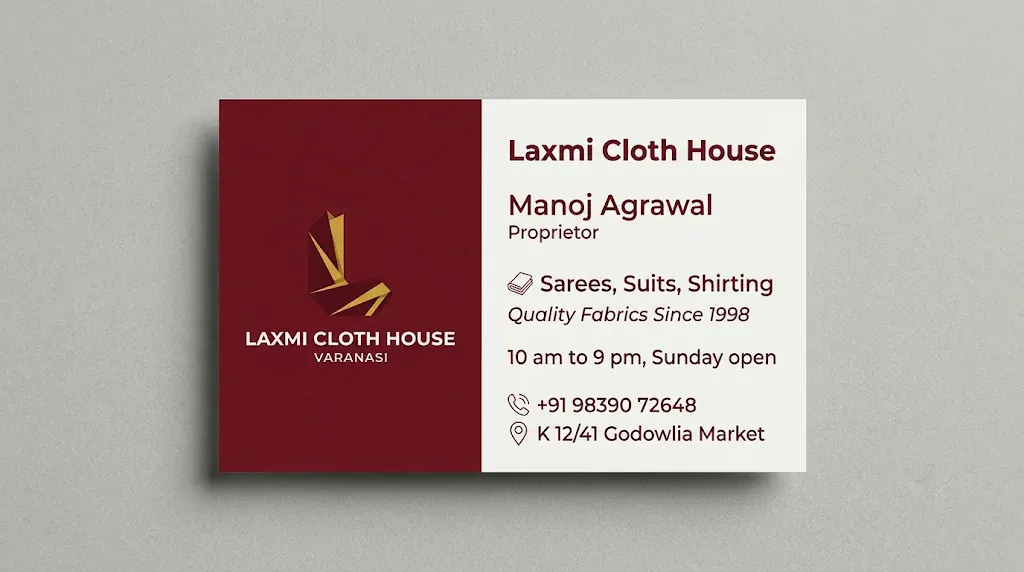
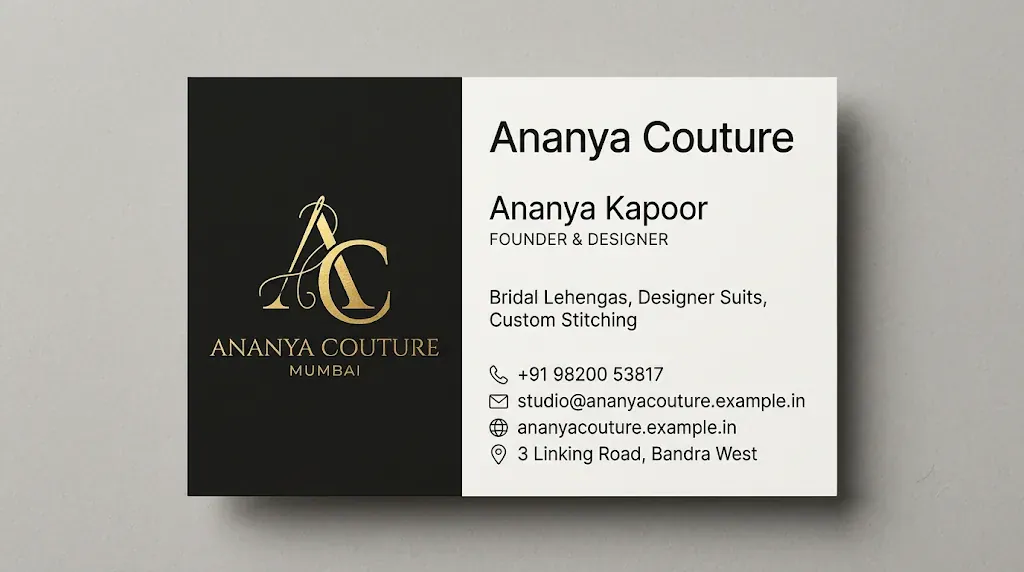
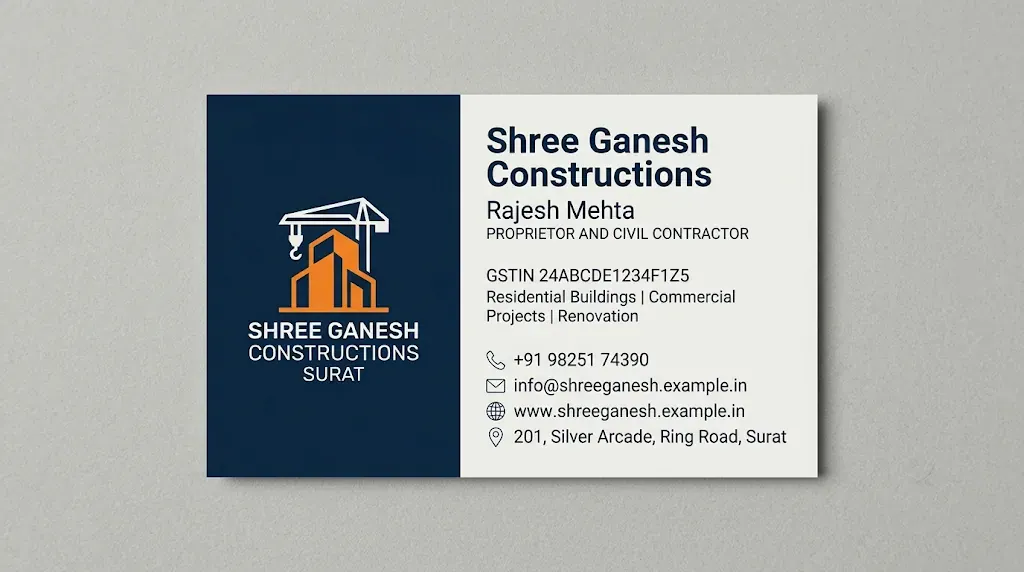
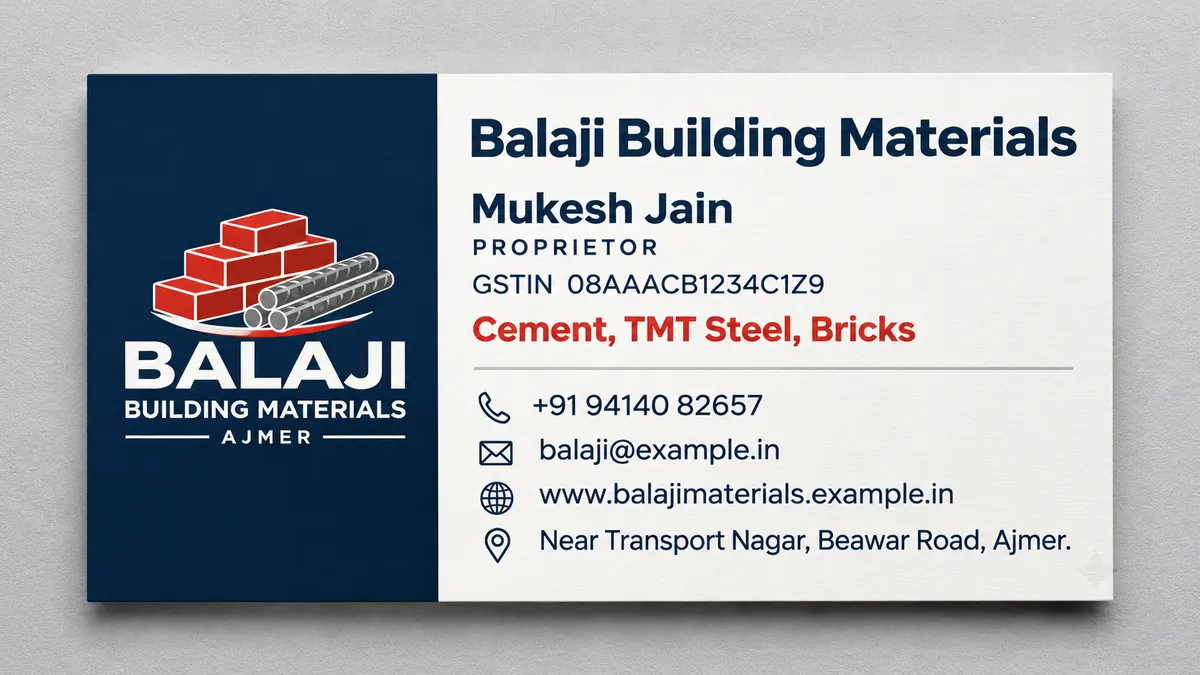
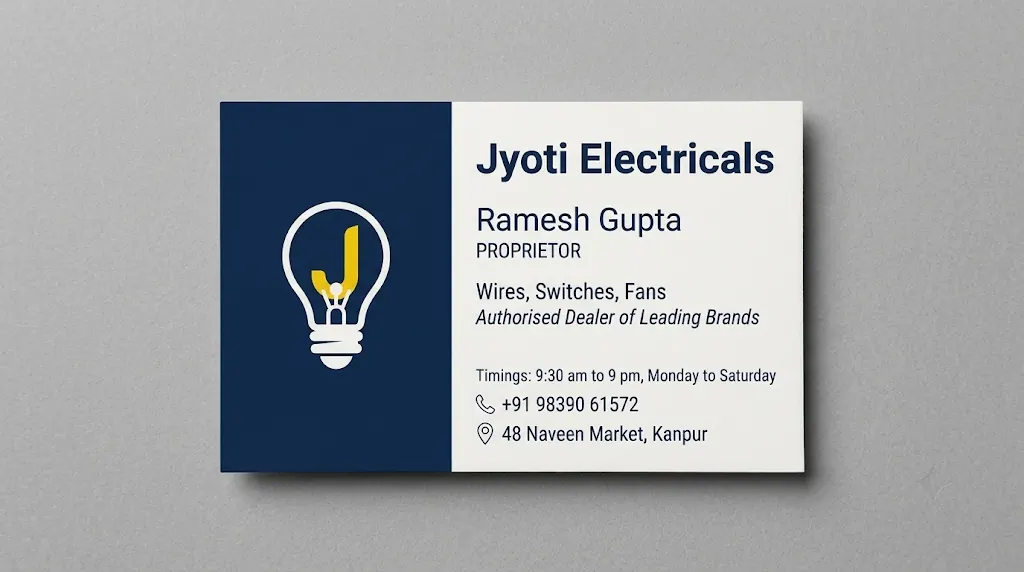
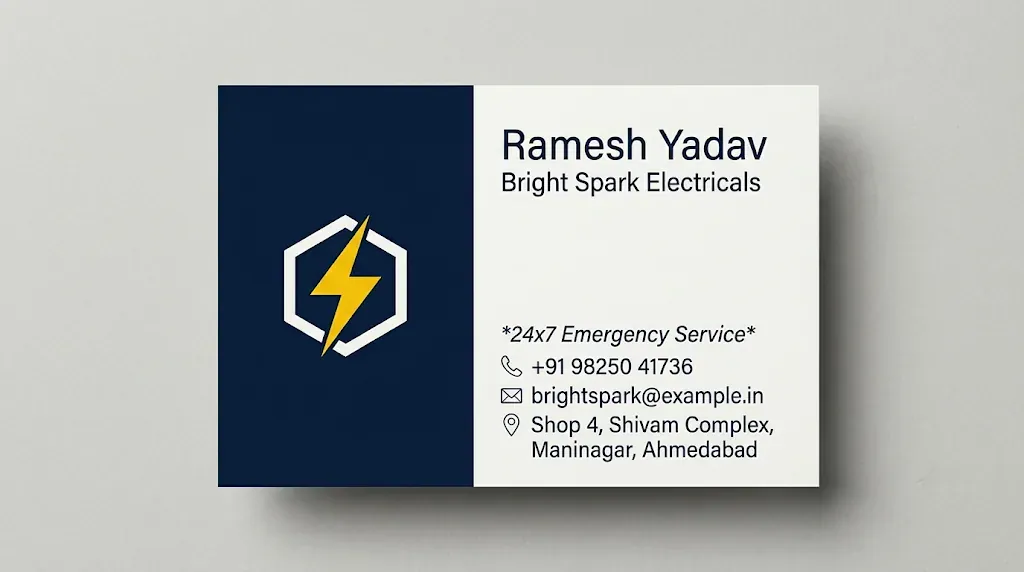
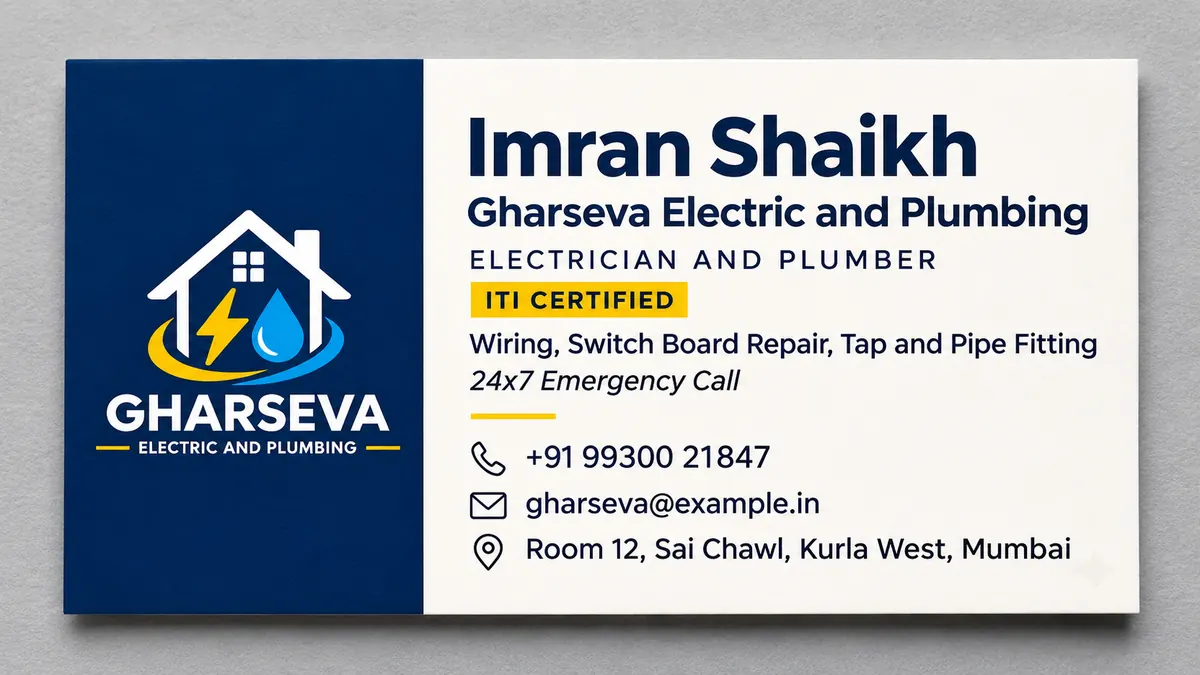
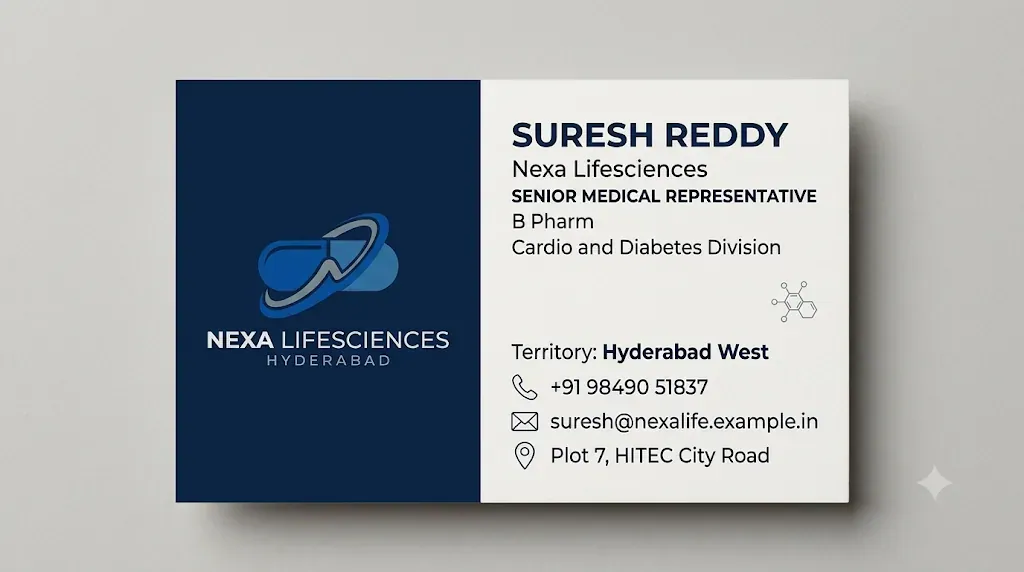
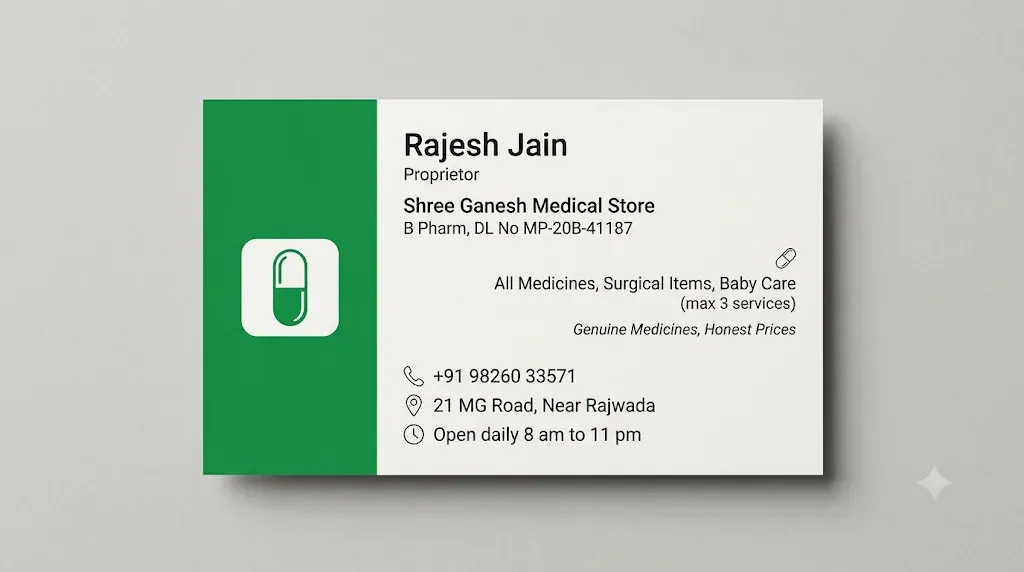
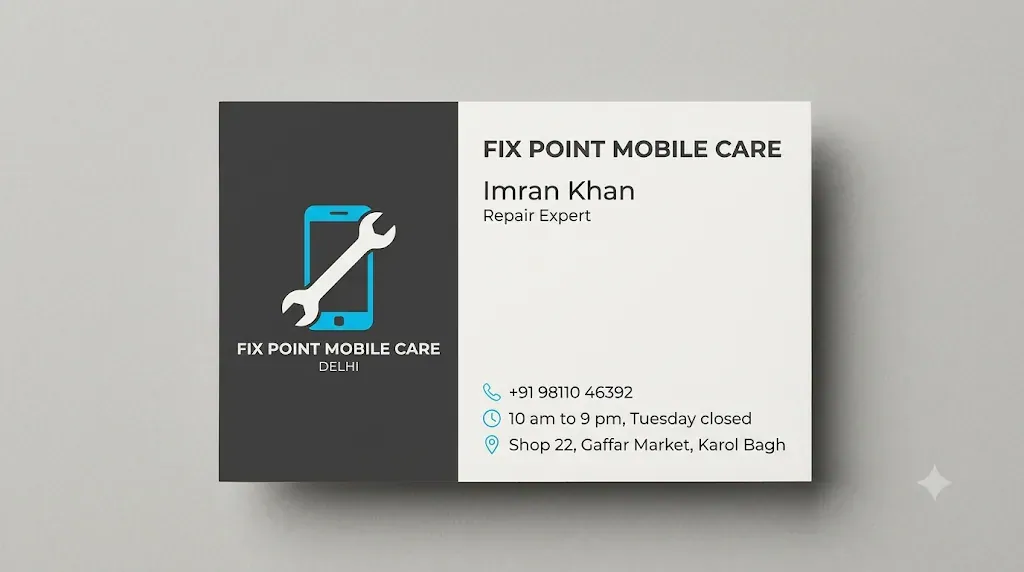
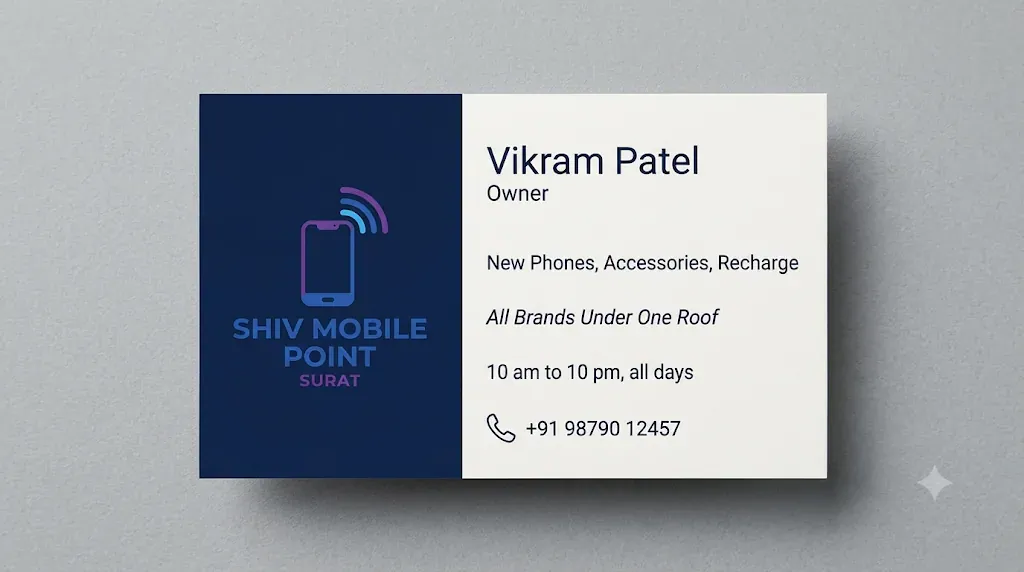
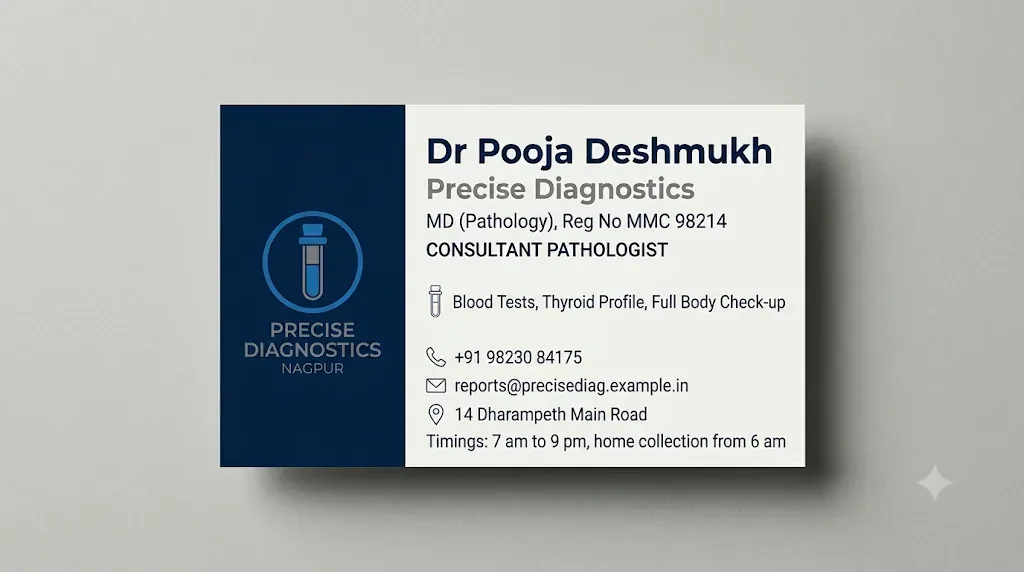
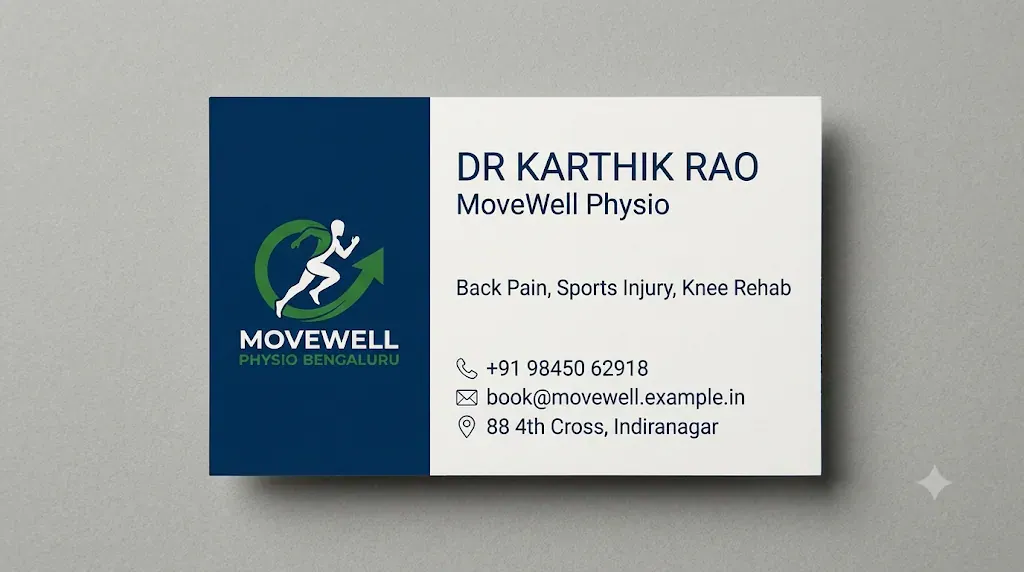
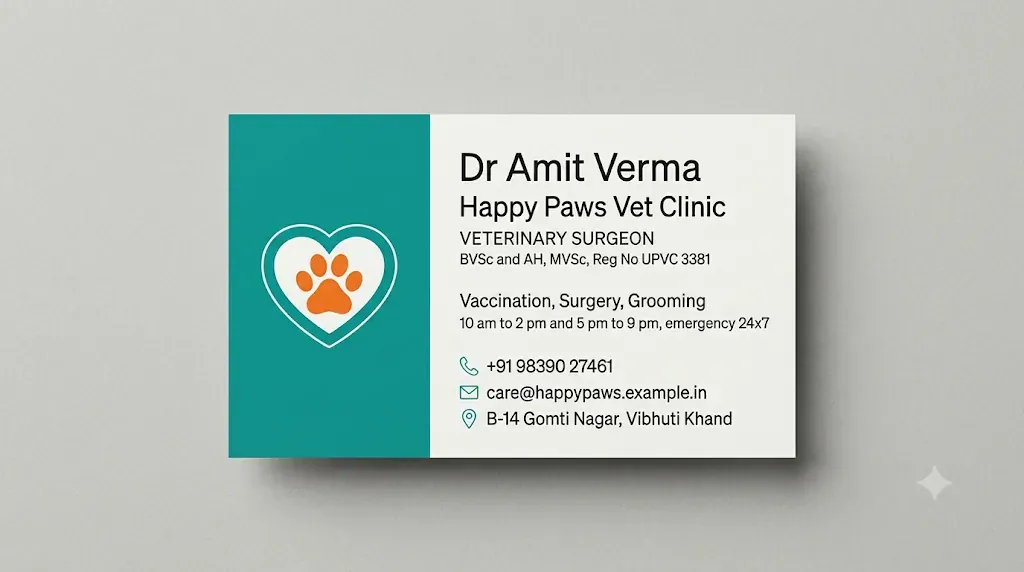
Copy-paste AI prompts that design a professional visiting card for your business in ChatGPT or Gemini. Pick your profession, type your name, phone, address and other details once (empty boxes are left out), upload your logo and get a print-ready card design in 3 styles.
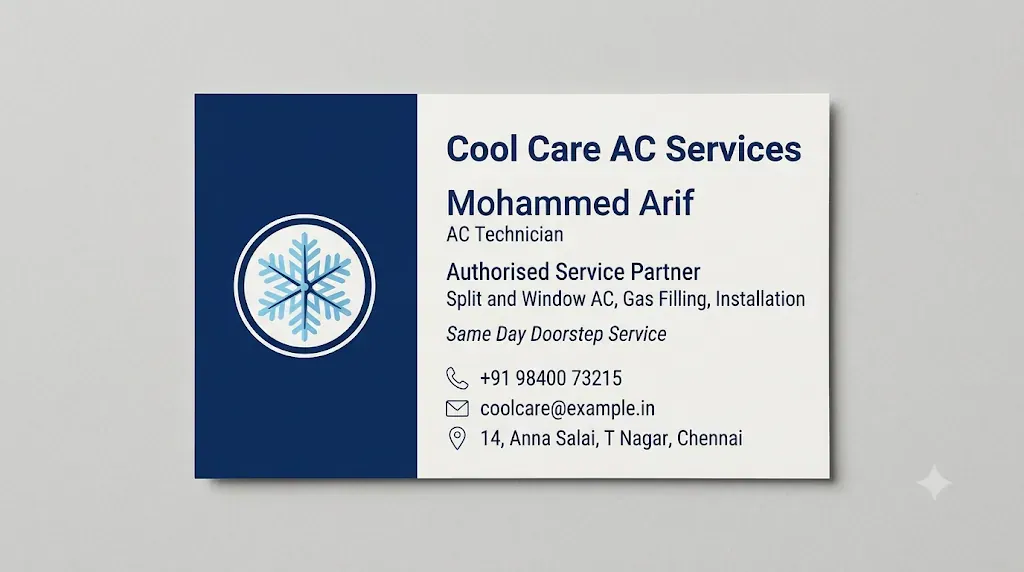
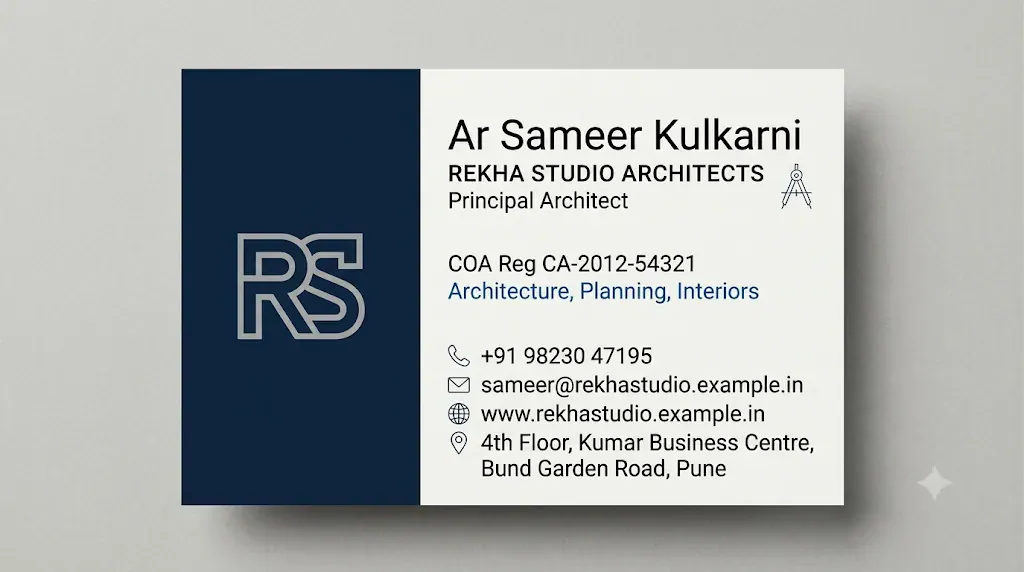
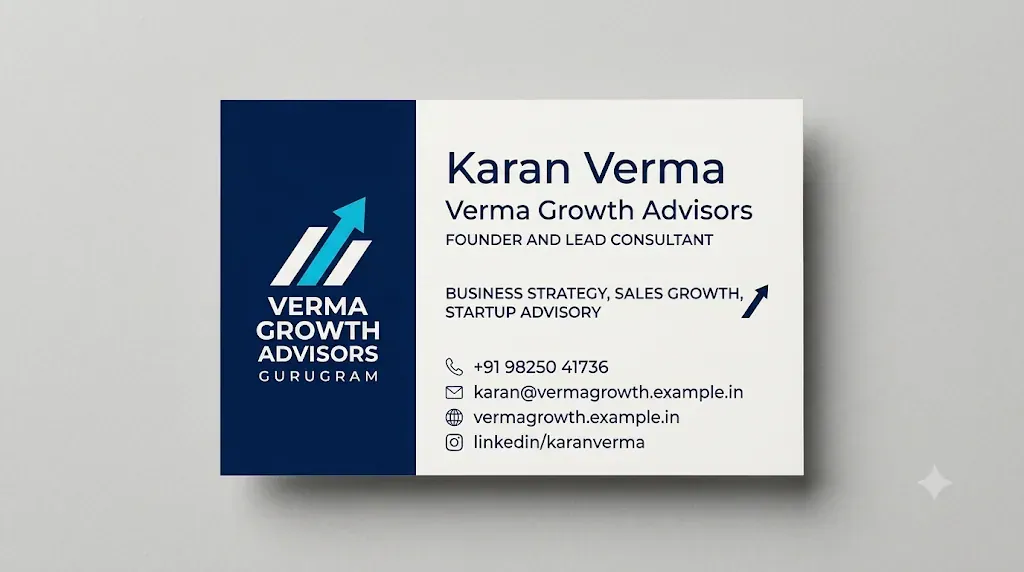
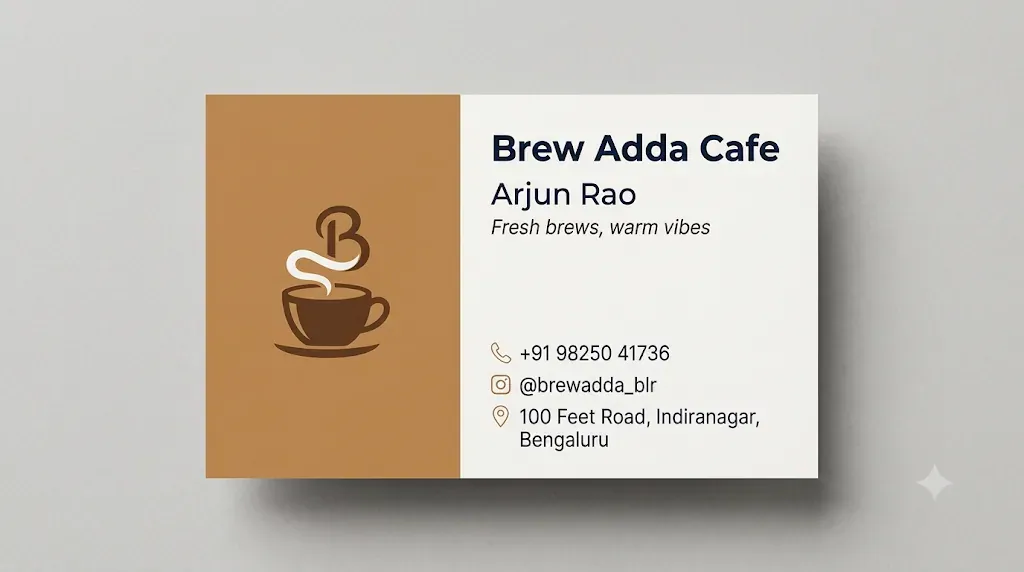
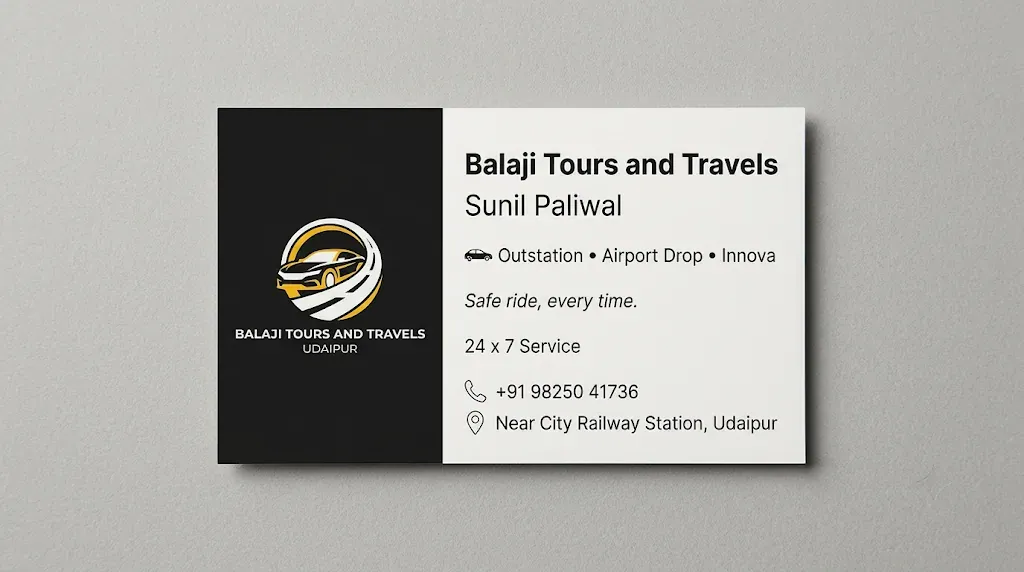

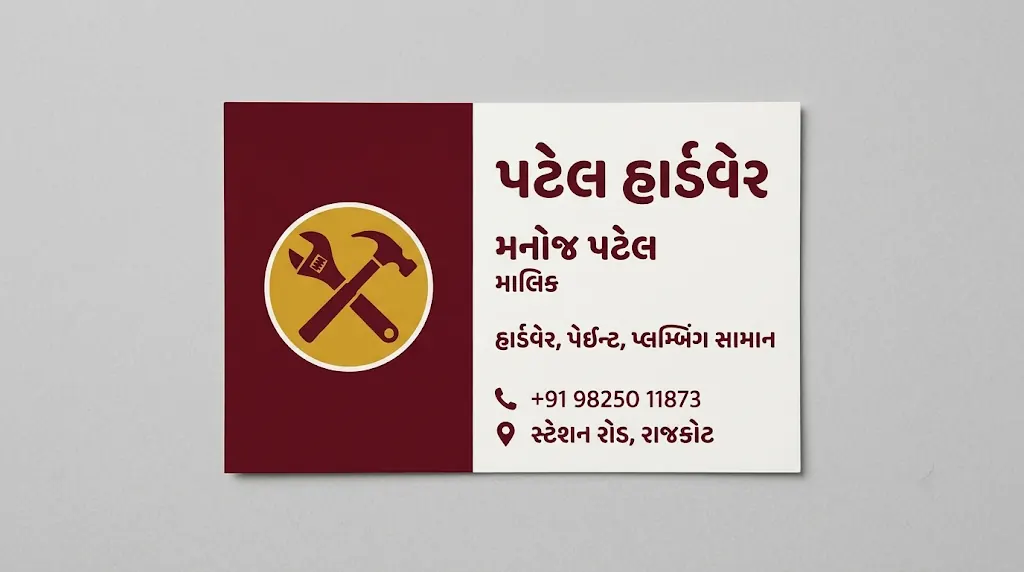

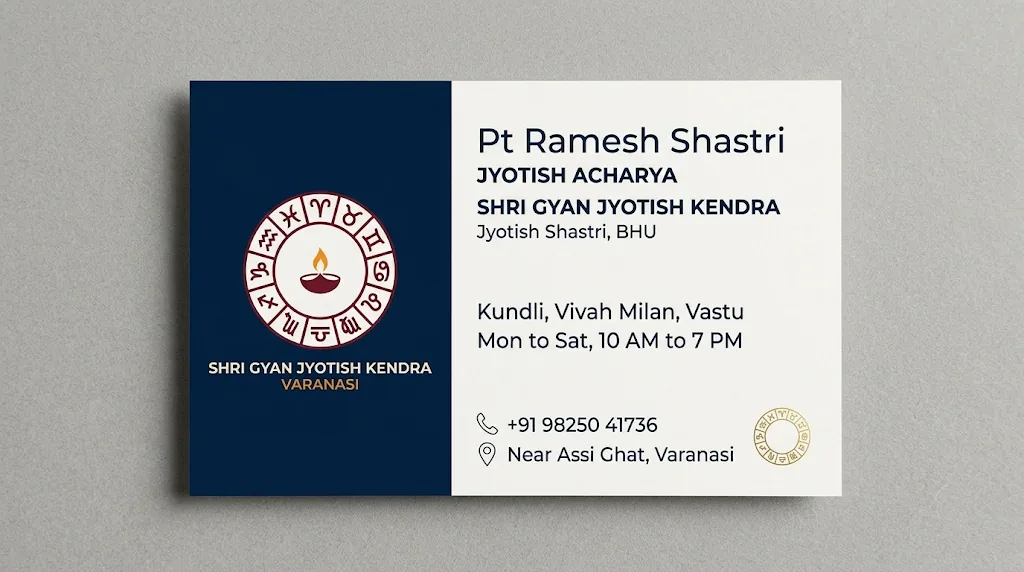
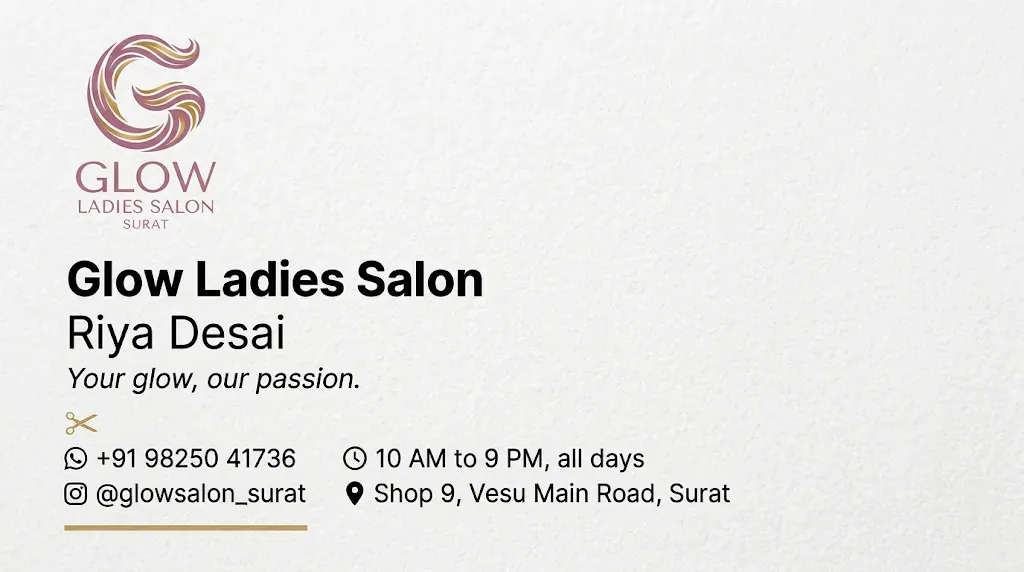
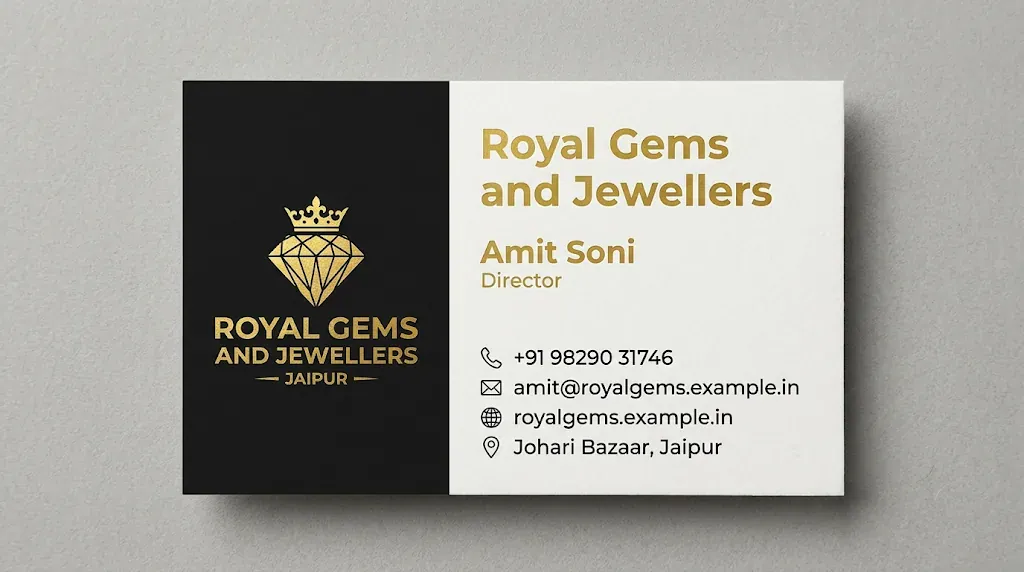
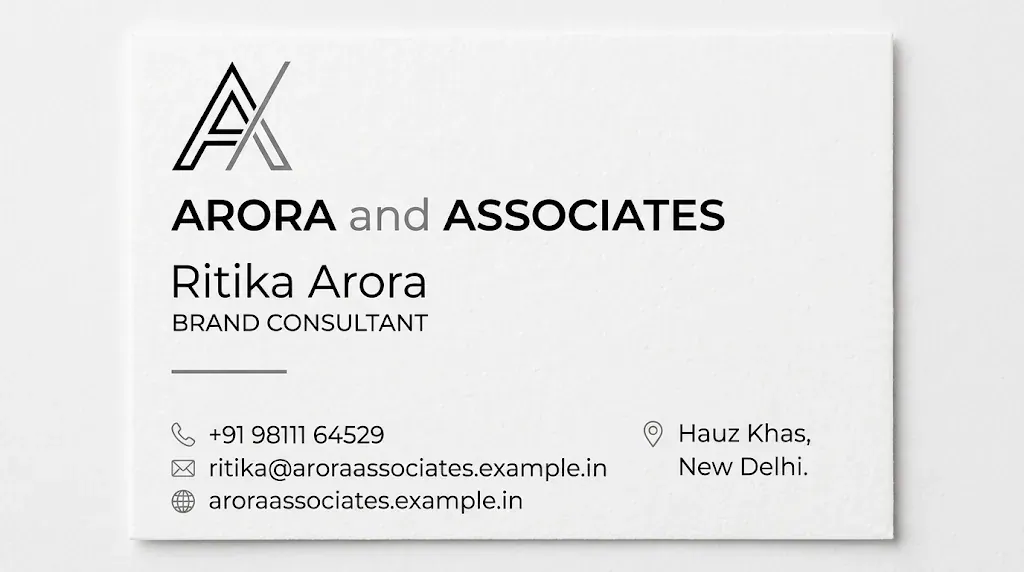
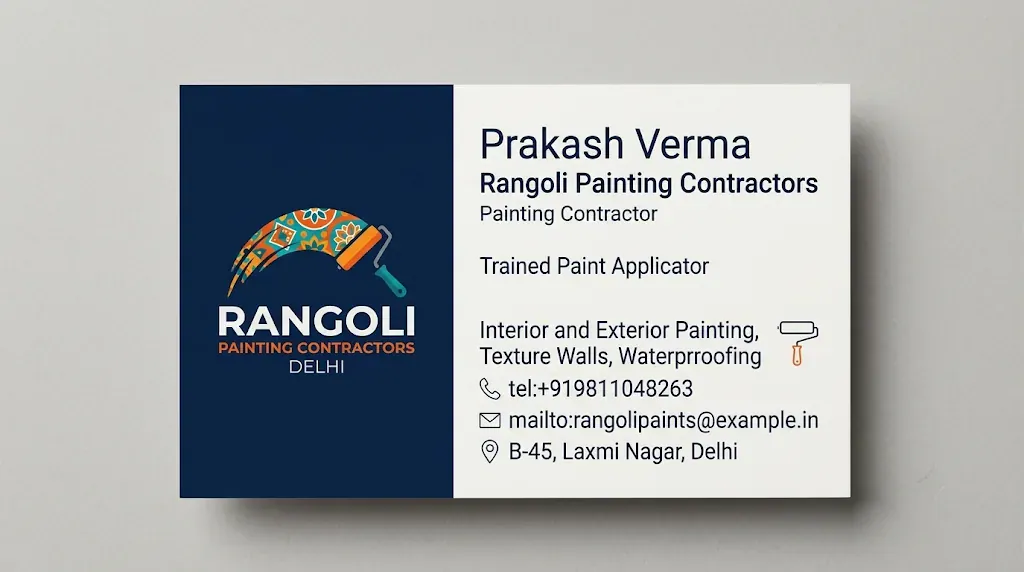
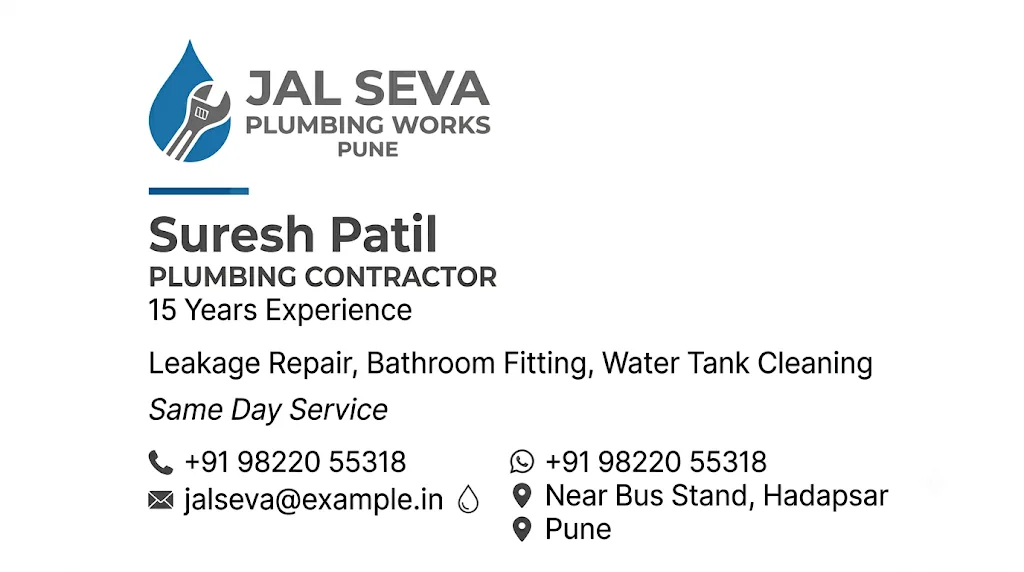
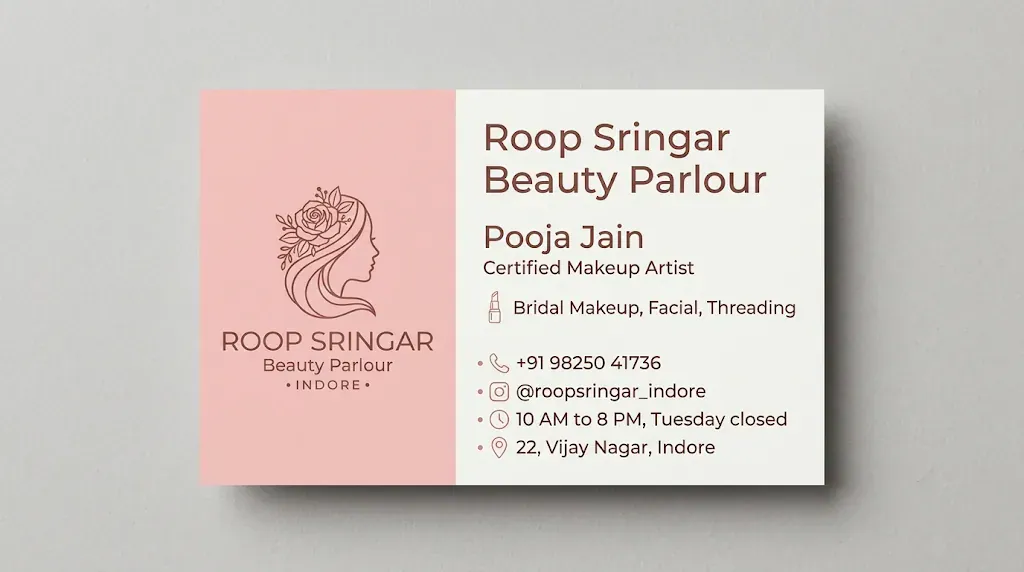
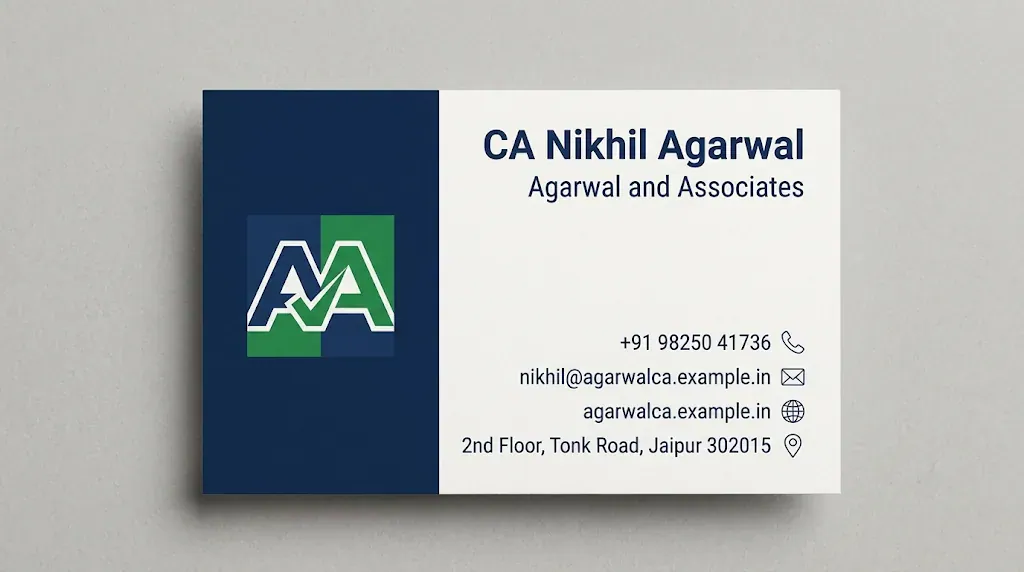
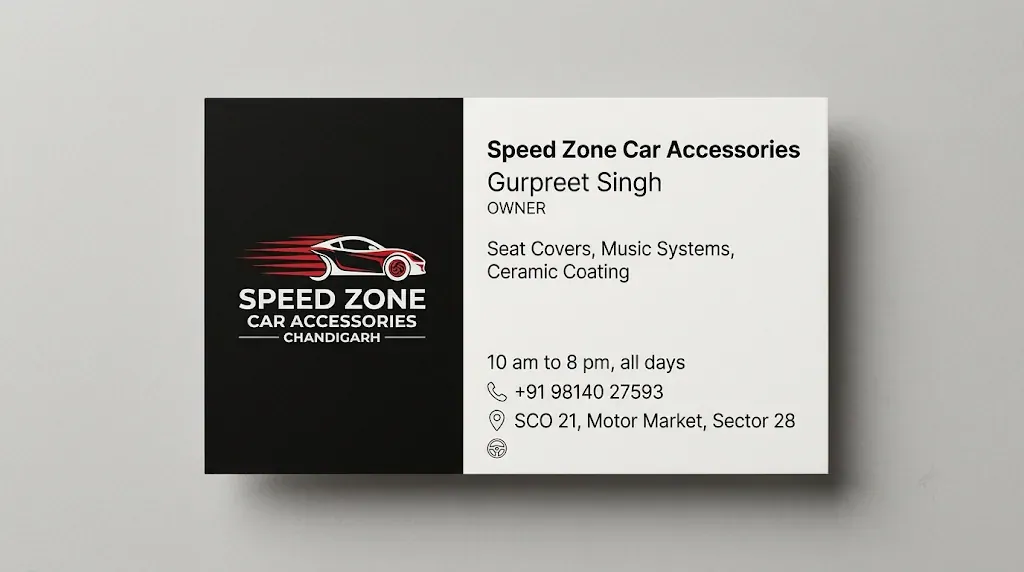
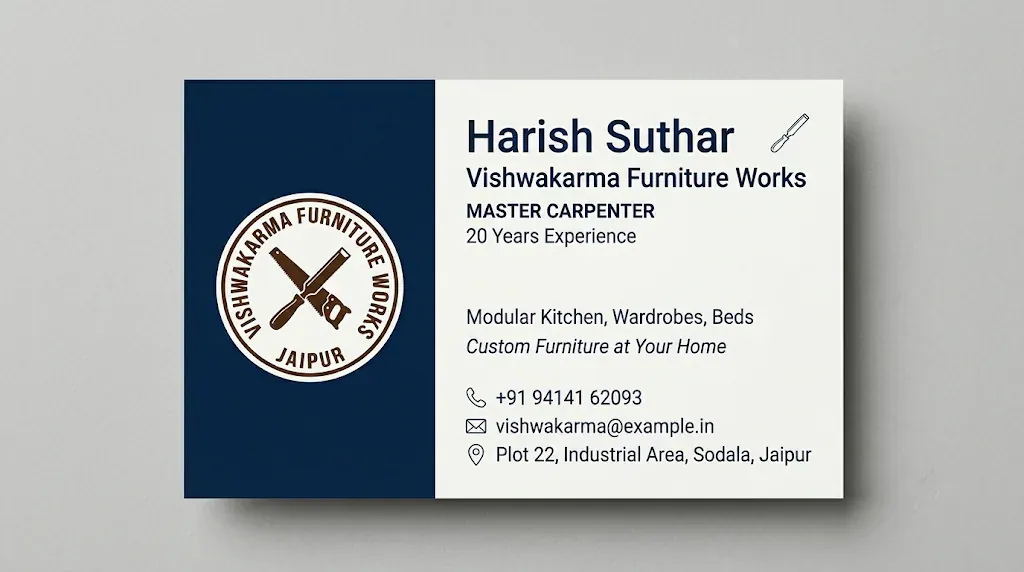

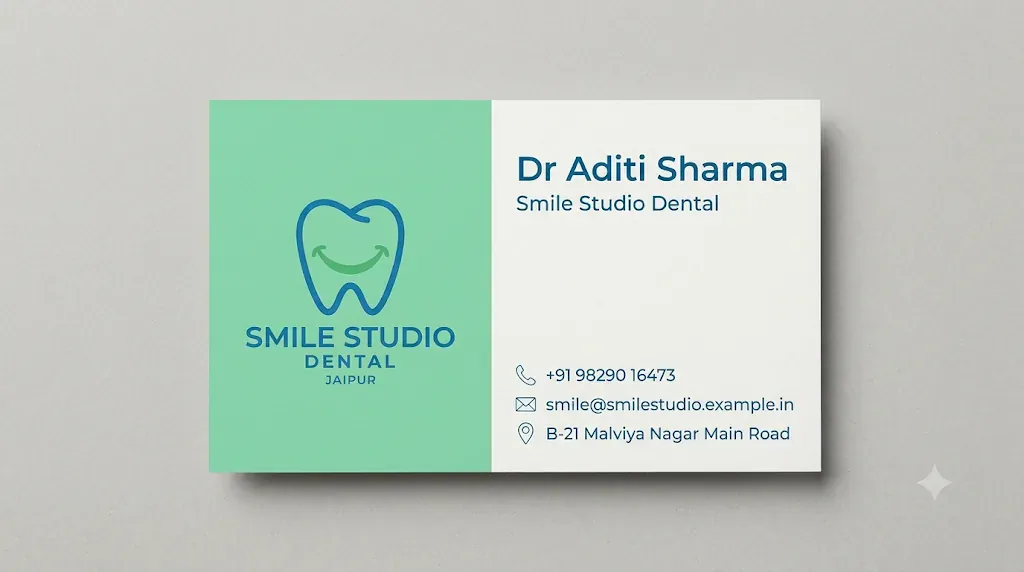
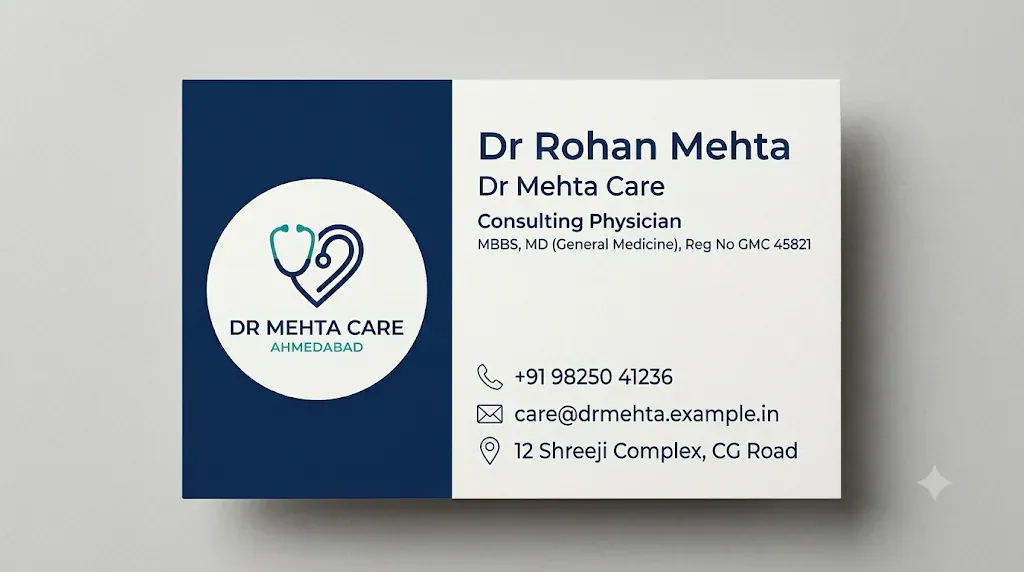
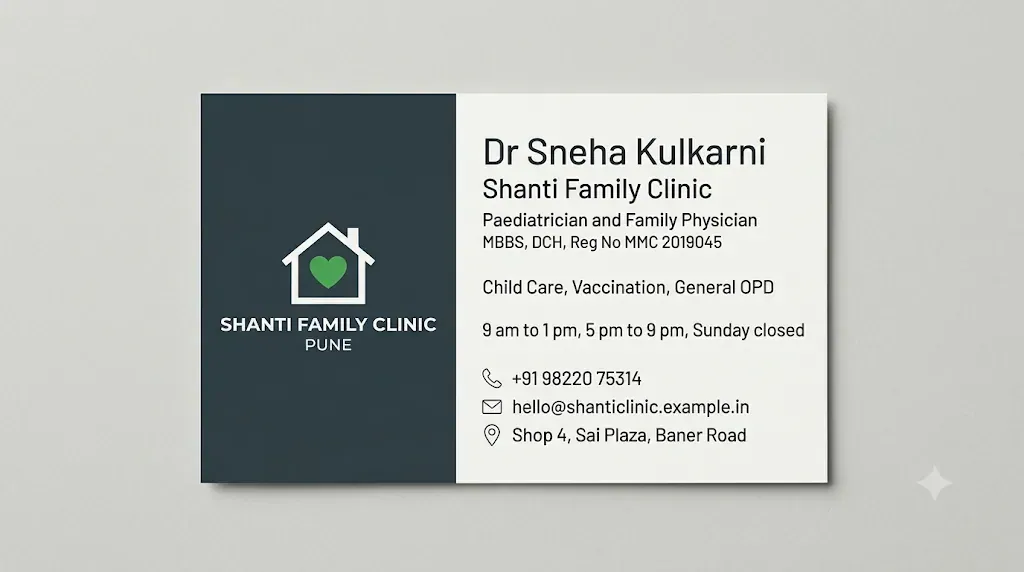
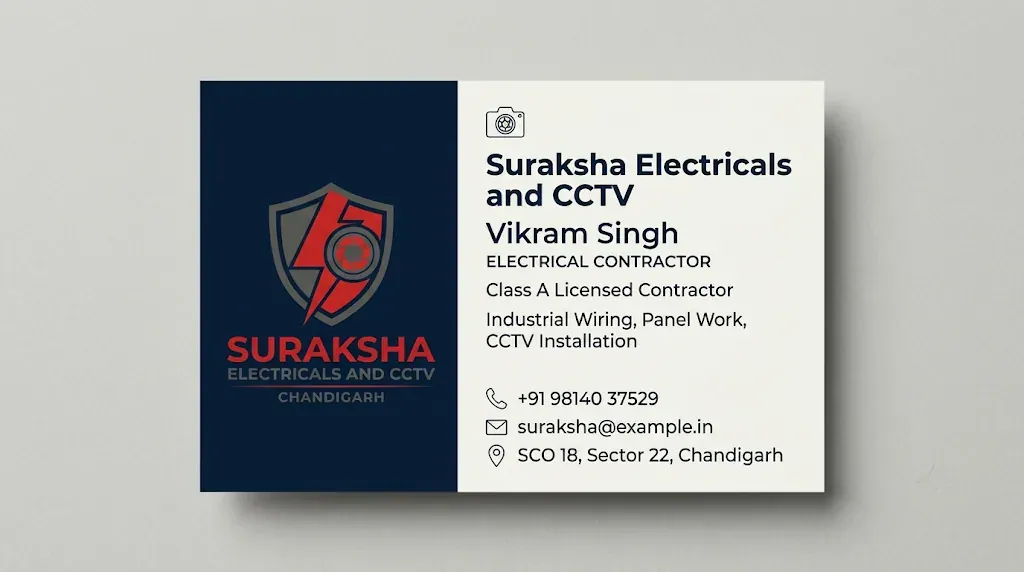
Visiting Card Prompts prompts: common questions
How do I make a visiting card with ChatGPT or Gemini?
Open a visiting card prompt for your profession, fill in your name and business details, upload your logo in ChatGPT or Gemini, paste the prompt and download the card. Any detail you leave empty is removed from the prompt.
What size is a visiting card in India?
The common size is 3.5 x 2 inches (about 89 x 51 mm). Our prompts ask for a landscape card in that shape. Before printing, ask your printer for their exact size and bleed and resize the image if needed.
Can AI write my phone number and name correctly?
Usually, when the exact text is in the prompt, but always check every digit before printing. If a letter is wrong, ask the AI to fix only that line, or correct it in a free editor.
Can the AI add a working QR code?
No. AI image tools draw fake QR codes that do not scan. Use our QR code prompts, which leave a clean white square, then paste a real QR code from a free generator.
Which colour is best for a visiting card?
Use your brand or logo colours with plenty of white space. Navy, black and gold read as premium; teal and white suit clinics; warm colours suit food and beauty. Keep text dark on light for easy reading.
Can I make a visiting card in Hindi or my own language?
Yes. Choose the Hindi or regional language prompt, pick your language and type your name and details in that script so the AI copies them exactly.