PhotoPromptly
Girl Black Saree Photo Prompt: Saree Look (Gemini)
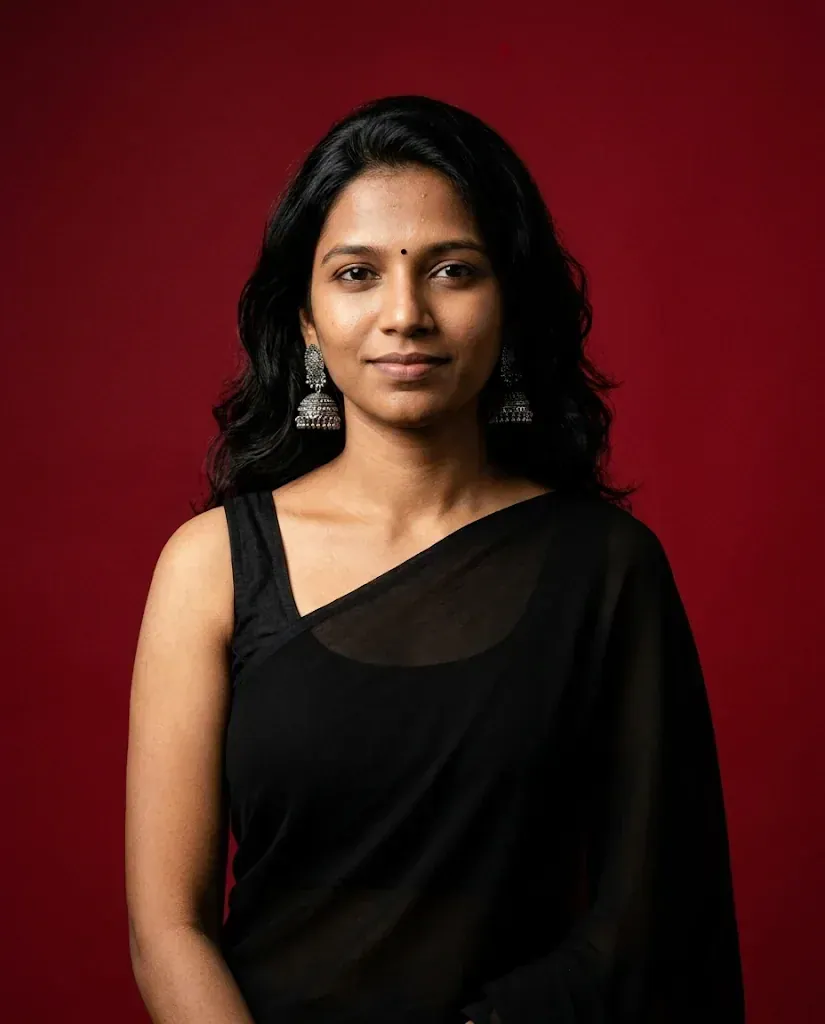
Girl black saree AI photo prompt for Gemini and ChatGPT: elegant black saree at night with city lights, a candle-lit room and a rainy balcony.
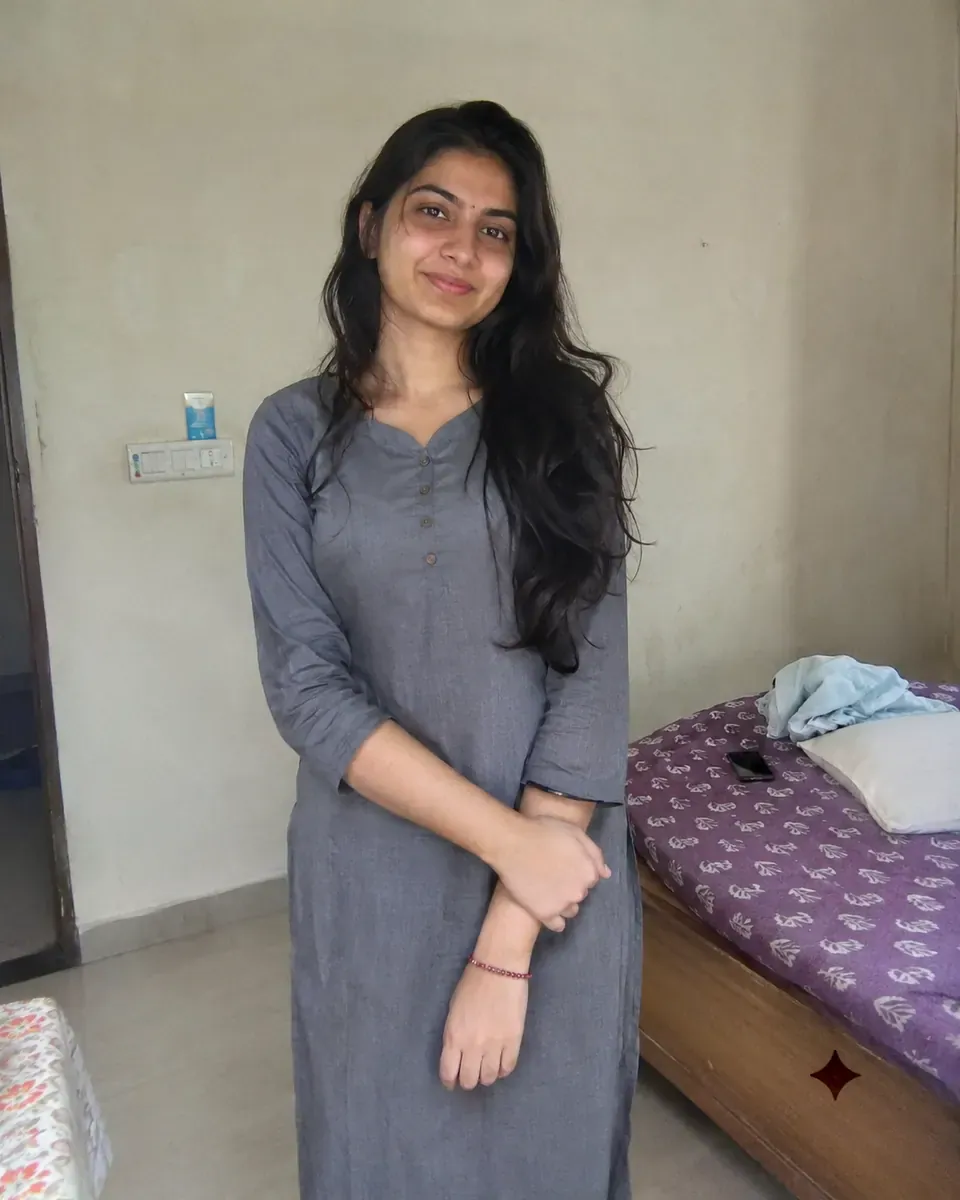
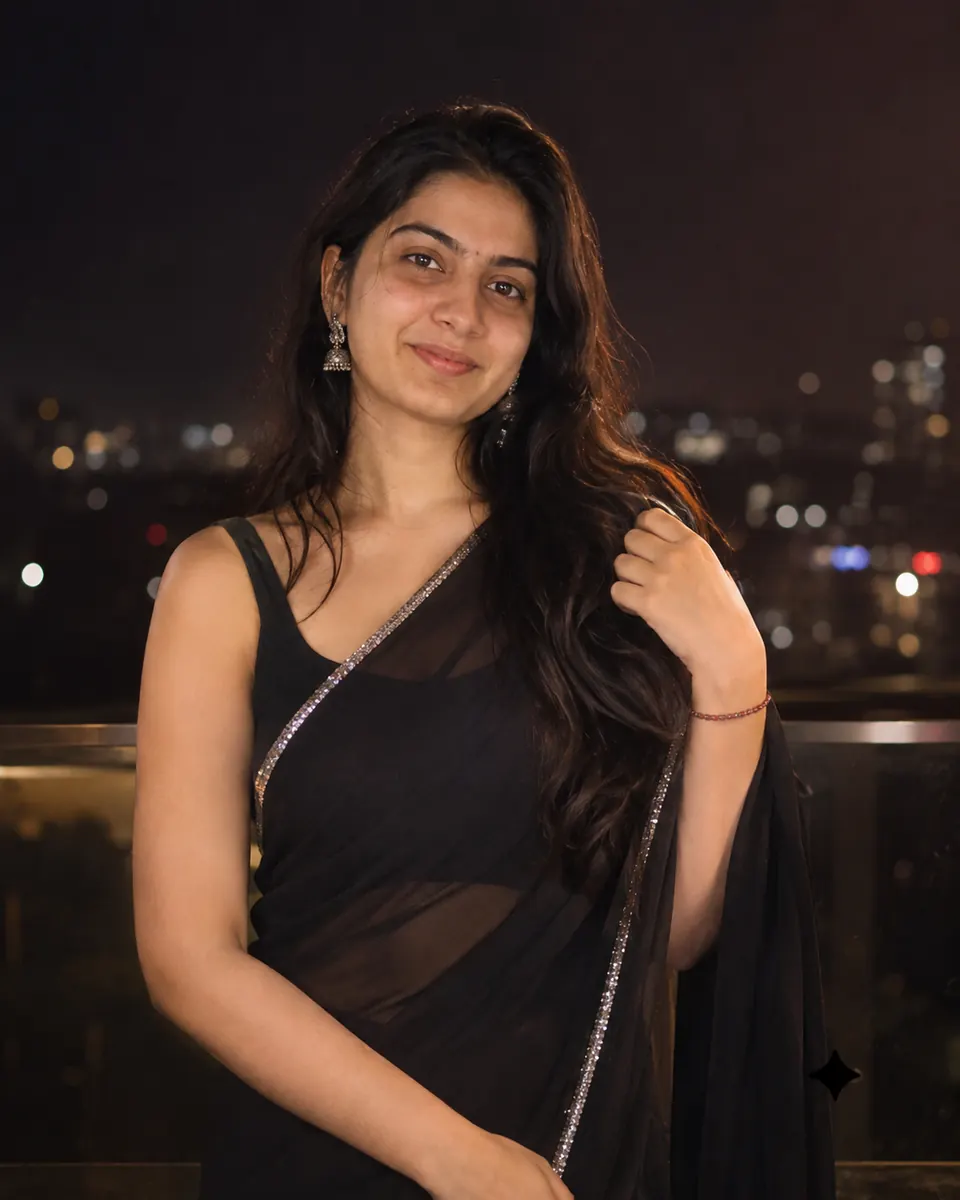
Both images are AI-generated: the "before" is a synthetic stand-in, not a real person, and the "after" is this prompt's result. Results vary with your photo and the tool. How we make and check examples
How to use it
- Upload a clear photo of an adult, face fully visible and well lit.
- Copy variant 1 (black saree night) and paste it with your photo into Gemini or ChatGPT.
- Generate, then regenerate once or twice and keep the closest face match.
- If the face drifts, reply "keep my face exactly as in my photo" and generate again.
AI tools may use uploads to improve their services; check the tool's privacy settings. Use only photos you own or have consent for, and do not upload photos of children.
About this prompt
The 3 versions, compared
| Version | What changes |
|---|---|
| City lights | Dress you in a plain black georgette saree with a thin silver sequin border, a black sleeveless blouse, silver drop earrings and hair open. Place you on a high-rise balcony at night with blurred city lights behind you. |
| Candle room | Dress you in a black silk saree with gold border and a gold choker. Place you in a dim room with many lit candles on a wooden table. |
| Rain balcony | Dress you in a black chiffon saree with a red blouse. Place you on an old balcony during rain. |
What the prompt tells the AI to keep
- Keep your face, facial features, skin tone, hairline, hair colour and age exactly as in the photo, so the result is clearly the same person; only the expression may change, as described below.
Size and shape
The prompt asks for 4:5, which is a tall portrait, the Instagram feed shape that fills the most screen.
How the example image was made
We ran the City lights version of this prompt in an AI image tool. The “before” image is a synthetic stand-in photo, not a real person or customer: a woman in her 20s with long dark hair, wearing a plain grey kurti, standing in a plain room, flat light. Both images are AI-generated and show the kind of result to expect, not a guarantee.
Problems and questions
The face does not look like me. What do I do?
Use a sharp, front-facing photo with even light and no sunglasses, then reply "keep my face exactly as in my uploaded photo" and regenerate.
The black saree looks flat.
Add "visible fabric sheen and folds".
Too dark to see my face.
Add "face clearly lit".
Make it yours
Swap one line of the prompt to change the look:
Wrong or a rights issue? Report or request removal.
Related prompts