PhotoPromptly
Couple Eyes Photo Prompt: Aesthetic Close Up (ChatGPT, Gemini)
The trending couple eyes prompt for ChatGPT and Gemini: an aesthetic extreme close-up of both your eyes for a phone lockscreen, in a split frame, warm tone or black and white, with both faces kept exact.
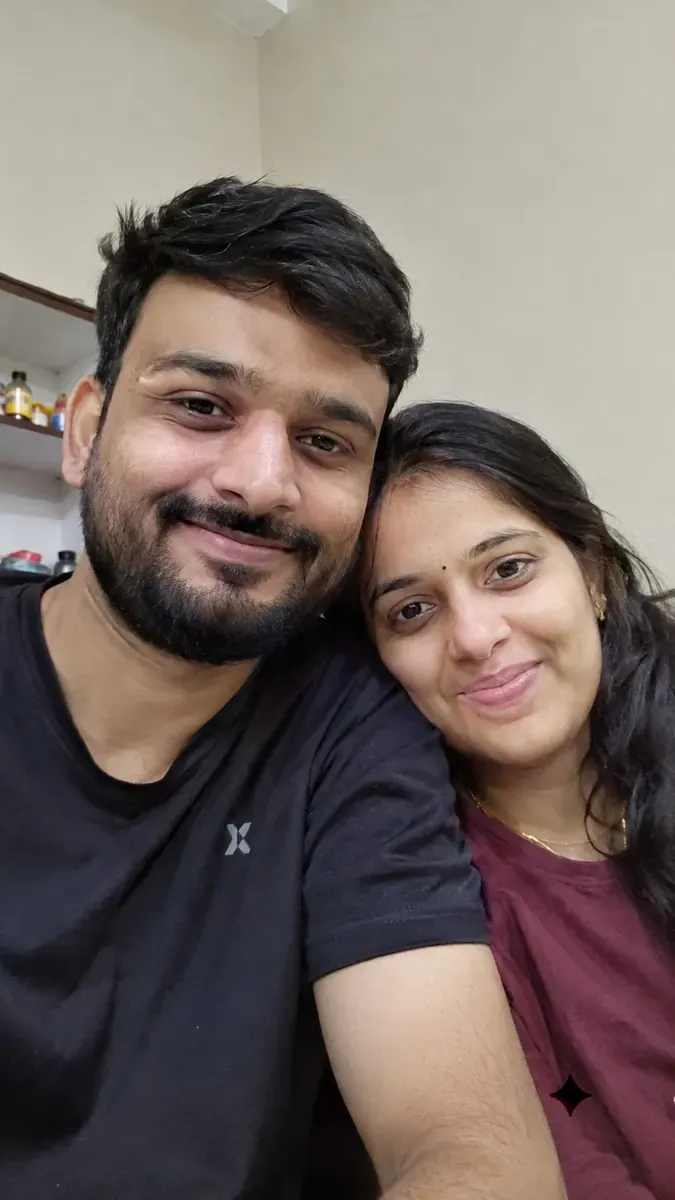
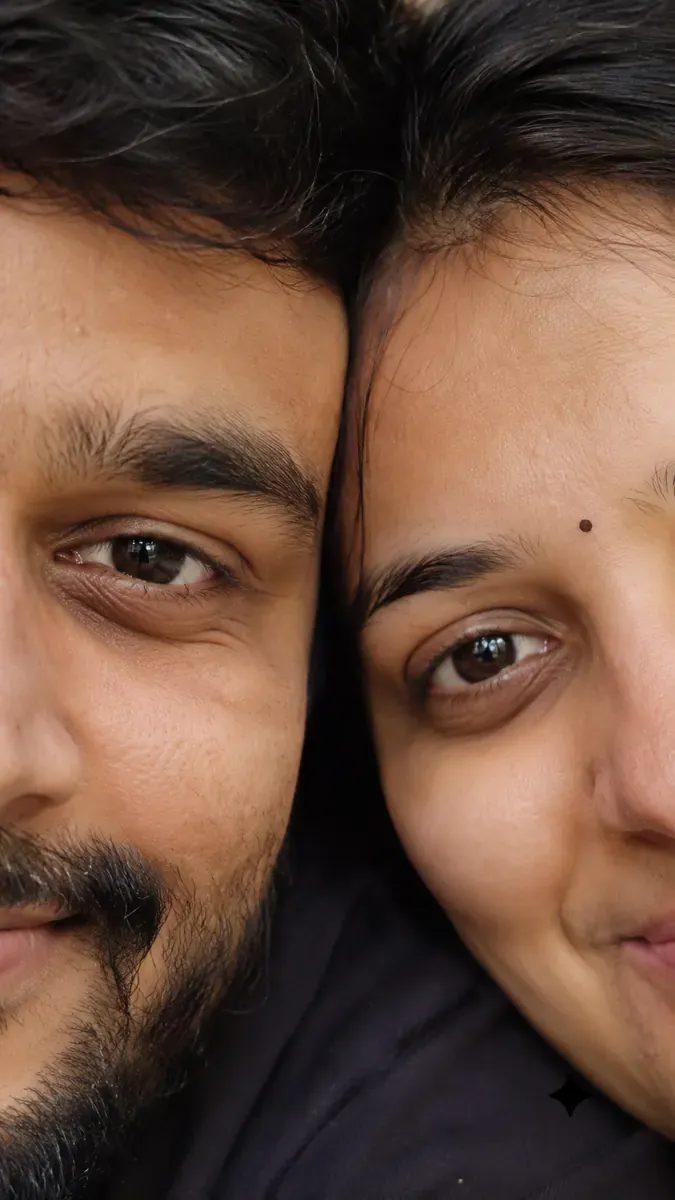
Both images are AI-generated: the "before" is a synthetic stand-in, not a real person, and the "after" is this prompt's result. Results vary with your photo and the tool. How we make and check examples
How to use it
- Upload a sharp, well-lit photo where both of your eyes are open and clearly visible, without glasses or sunglasses. Use photos of adults only.
- Paste the Side by side, Split frame or Black and white prompt under the photo in ChatGPT or Gemini.
- Zoom in and check that the eye shape, eye colour and eyebrows match your real ones.
- Set the 9:16 result as your lockscreen; there is room at the top for the clock.
AI tools may use uploads to improve their services; check the tool's privacy settings. Use only photos you own or have consent for, and do not upload photos of children.
About this prompt
The 3 versions, compared
| Version | What changes |
|---|---|
| Side by side | Create an extreme close-up of our eyes and upper faces, side by side, his on the left and hers on the right, foreheads almost touching, both looking into the camera. Setting: no visible background. |
| Split frame | Create a vertical split-frame image: the top half is an extreme close-up of his eyes and eyebrows, the bottom half is an extreme close-up of her eyes and eyebrows, slightly offset, both looking toward each other. Lighting: soft window light with catchlights. |
| Black and white | Create an extreme close-up of our eyes and upper faces, side by side, looking at each other with soft smiles in the eyes. Lighting: single soft window light, deep contrast, catchlights in the eyes. |
What the prompt tells the AI to keep
- Keep both faces, facial features, skin tones, hairstyles, ages and each person's height and body proportions exactly as in the photo, so the couple stay clearly recognisable; only the expressions may change, as described below.
- Keep the exact eye shape, eye colour, eyebrows and skin of each of us.
Size and shape
The prompt asks for 9:16, which is full-screen vertical, for Instagram and Facebook Stories, Reels covers and WhatsApp status.
How the example image was made
We ran the Side by side version of this prompt in an AI image tool. The “before” image is a synthetic stand-in photo, not a real person or customer: an adult Indian couple in their mid-20s, he has short black hair and dark brown eyes, she has long dark hair and brown eyes, both looking at the camera, cheek to cheek, in plain tops, indoors in flat room light. Both images are AI-generated and show the kind of result to expect, not a guarantee.
Problems and questions
The eyes look fake or too glossy.
Add "natural eye texture, real eyelashes, no glow, no extra sparkle" to the Style line.
The eye colour changed.
Reply: keep both eye colours exactly as in my photo, change nothing else.
The crop shows too much of the face.
Say "crop from the eyebrows to just below the eyes only".
Make it yours
Swap one line of the prompt to change the look:
Wrong or a rights issue? Report or request removal.
Related prompts