PhotoPromptly
Engagement Photo Prompt: Ring Ceremony (Gemini & ChatGPT)
3 copy-paste engagement photo prompts for a ring ceremony: elegant outfits, floral decor and a close hand shot, both faces kept true.


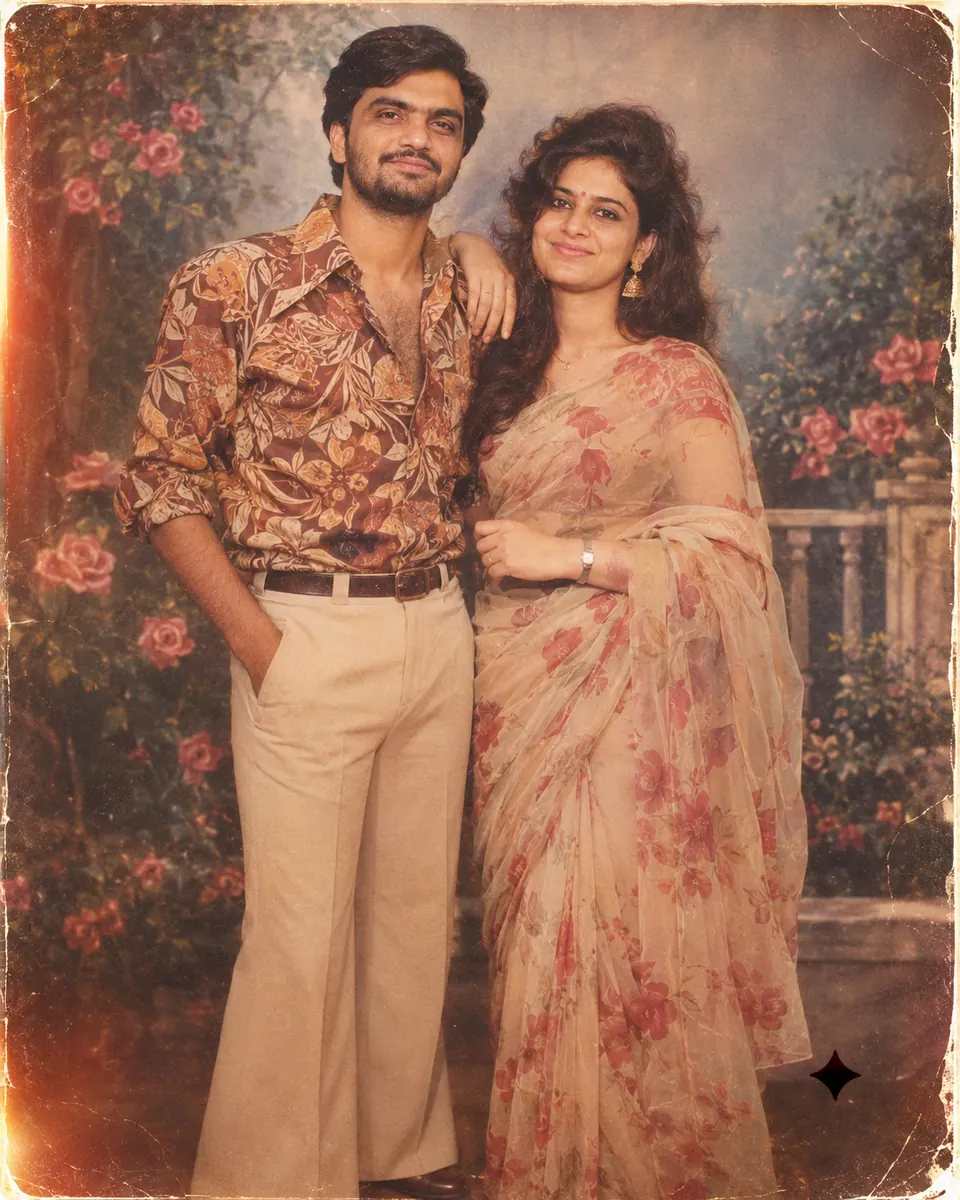
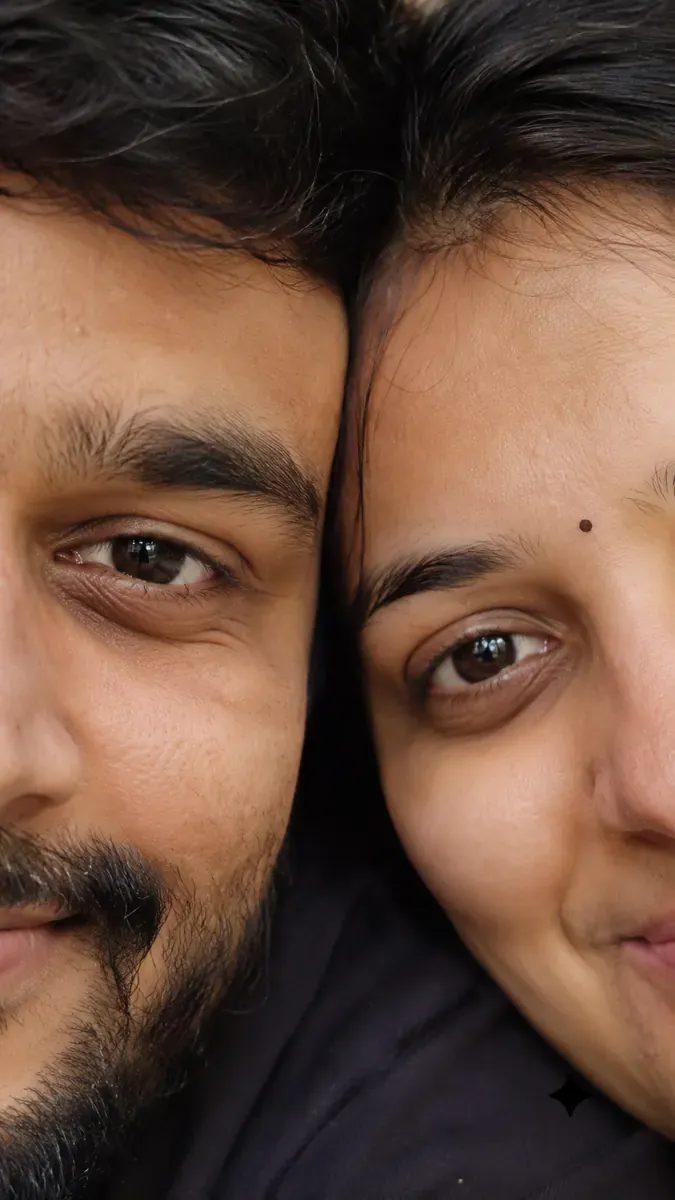
Both images are AI-generated: the "before" is a synthetic stand-in, not a real person, and the "after" is this prompt's result. Results vary with your photo and the tool. How we make and check examples
How to use it
- Choose a sharp, evenly lit photo of the couple facing the camera, with no heavy filters. Use photos of adults only.
- Paste the Ring moment, Traditional or Garden prompt into Gemini or ChatGPT with the photo.
- Compare the result at full size with your original: both faces and hairlines should match. Regenerate once or twice and keep the closest.
- Save the best version, then crop for your post or story and share it.
AI tools may use uploads to improve their services; check the tool's privacy settings. Use only photos you own or have consent for, and do not upload photos of children.
About this prompt
The 3 versions, compared
| Version | What changes |
|---|---|
| Ring moment | Outfit: she wears a champagne gown-style outfit with small drop earrings, he wears a navy suit with a pocket square. Setting: a flower-decorated engagement stage with soft white drapes. |
| Traditional | Outfit: she wears a peach silk saree with light gold jewellery, he wears a cream kurta with a matching jacket. Setting: a tidy decorated home hall with flowers and a brass tray. |
| Garden | Outfit: she wears a pastel lilac dress, he wears a light beige blazer with a white shirt. Setting: a sunlit garden path with blurred roses. |
What the prompt tells the AI to keep
- Keep both people's faces, facial features, skin tones, hairstyles and ages exactly as in the photo, so the couple stay clearly the same two people; only the expressions may change, as described below.
Size and shape
The prompt asks for 4:5, which is a tall portrait, the Instagram feed shape that fills the most screen.
How the example image was made
We ran the Ring moment version of this prompt in an AI image tool. The “before” image is a synthetic stand-in photo, not a real person or customer: a couple, a woman aged 30 and a man who is 34 years old, standing side by side indoors in plain casual clothes in flat daylight. Both images are AI-generated and show the kind of result to expect, not a guarantee.
When to use it: Wedding Season
Indian wedding muhurats reopen after Dev Uthani Ekadashi (about 20 November 2026) and run busy to mid-December. Haldi, mehendi, sangeet, varmala and engagement looks.
Date: 2026-11-20 · Marked in: IN
Problems and questions
The ring looks huge or has odd stones.
Say "a simple thin plain band, no large stone" in the Pose line.
Hands look distorted close up.
Add "exactly five fingers per hand, relaxed natural hands" and keep the camera at waist-up.
The couple look older or younger than in the photo.
Repeat "keep our exact ages" after the identity sentence.
Make it yours
Swap one line of the prompt to change the look:
Wrong or a rights issue? Report or request removal.
Related prompts