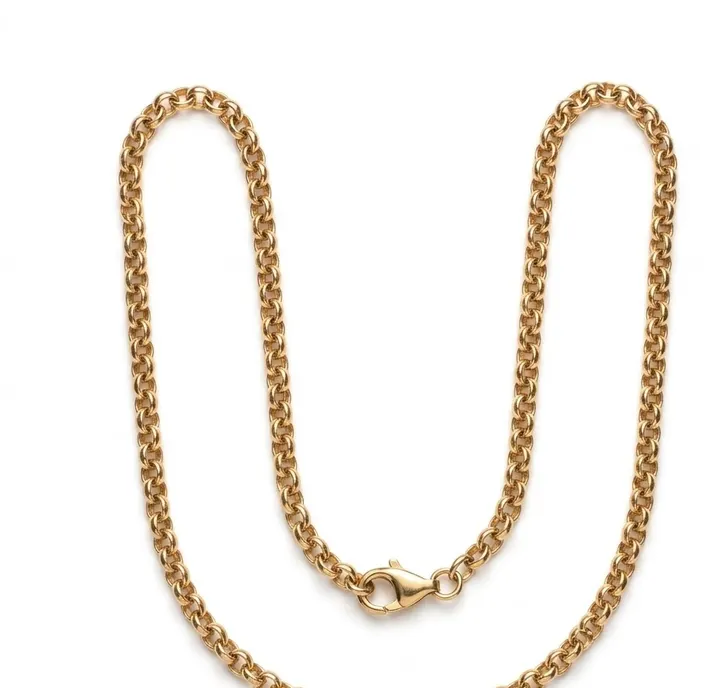
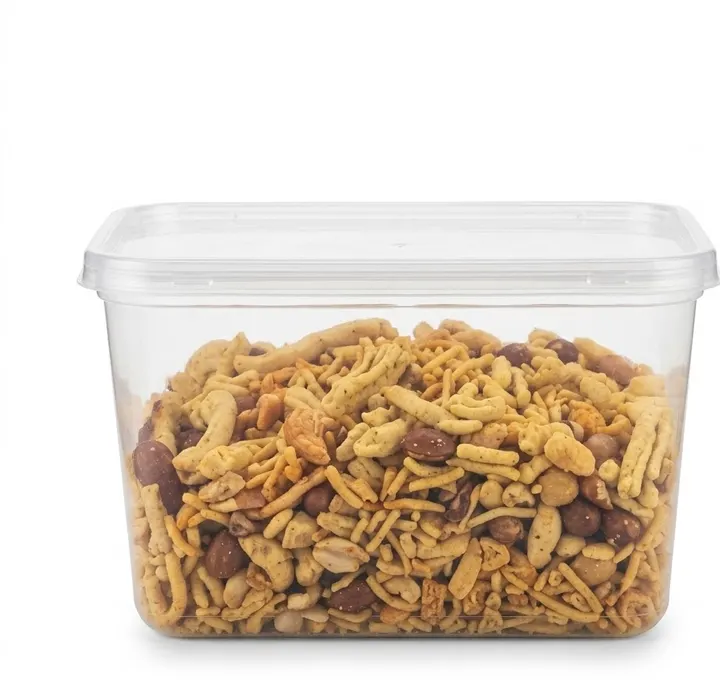
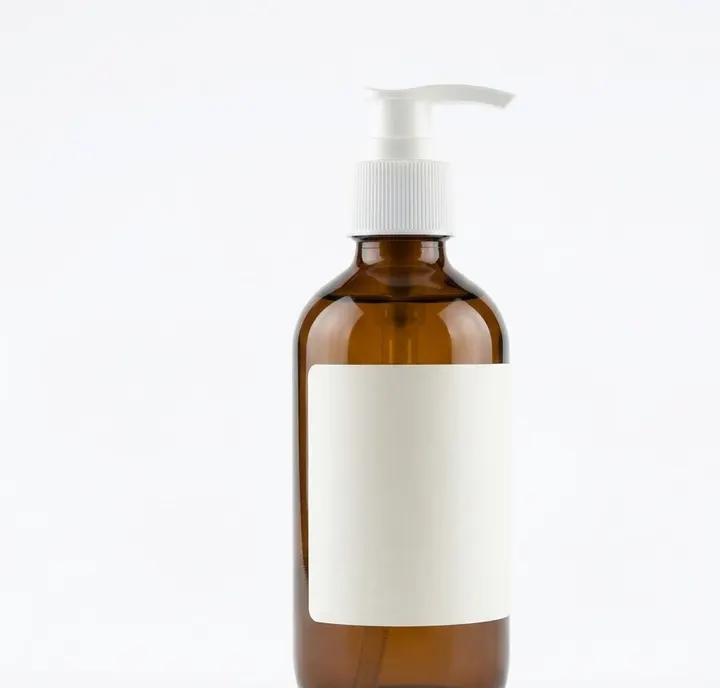
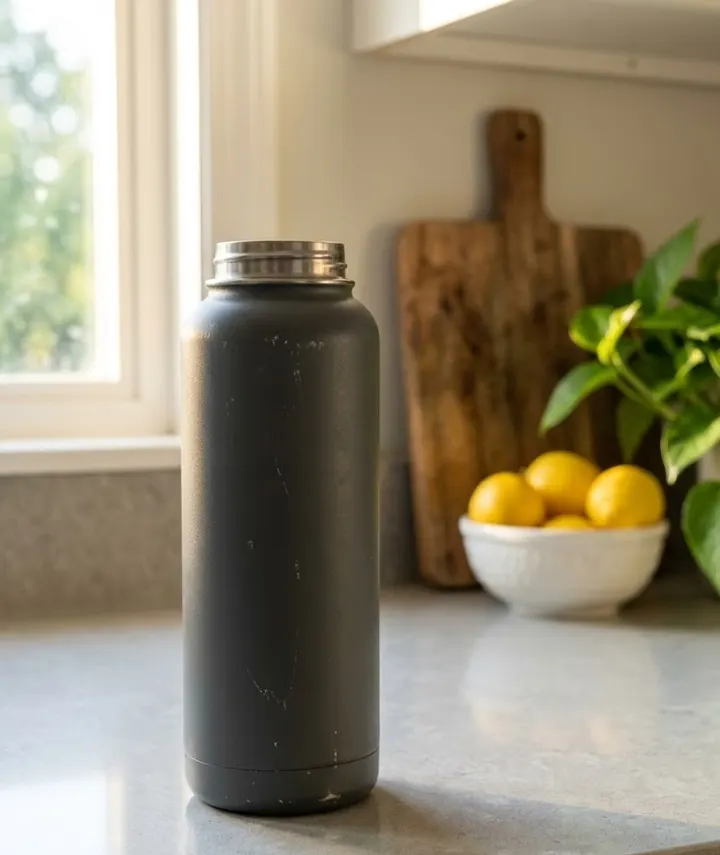
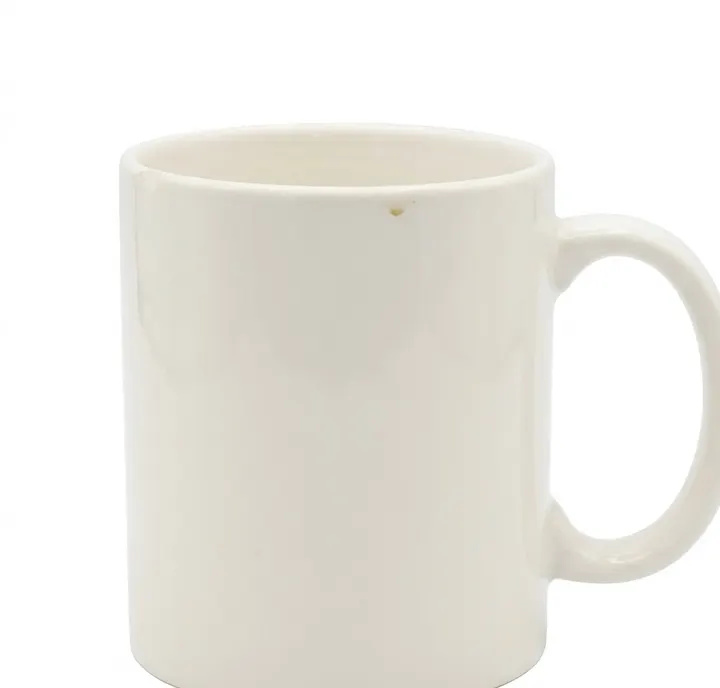
1. White background: Pure white main listing image
Using the uploaded photo, remove the background completely and place the product on a pure white background, RGB 255, 255, 255, with no gradient and no texture. Keep the product exactly as in the uploaded photo: same shape, colour, label, logo, stitching and quantity. Add nothing and remove nothing. Centre the product and let it fill about 85 percent of the frame, with an even small margin on all sides. Soft, even studio light, sharp focus across the whole product. No added text, no watermark, no props. Square image, aspect ratio 1:1.
Why it works: Giving the exact white value stops the app from drawing an off-white studio sweep, which many store checkers reject. The 85 percent fill instruction matches the common rule that the product should take up most of the main image.
Make it yours: If your store asks for a portrait main image, change the ratio to 4:5 and keep the fill instruction the same.